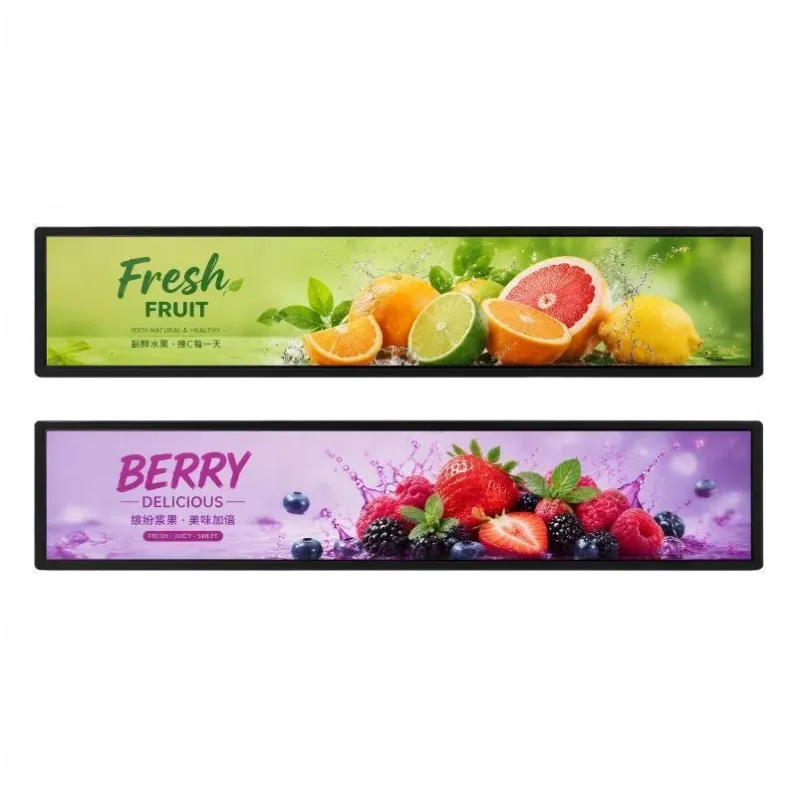
News & Insights
How to Use Square LCD Displays as Digital Picture Frames: Content Selection and Slideshow Design
When a digital picture frame is placed near a store entrance, customers may only glance at it briefly. However, visitors sitting beside a display in an exhibition hall may have enough time

When a digital picture frame is placed near a store entrance, customers may only glance at it briefly. However, visitors sitting beside a display in an exhibition hall may have enough time to read the artwork title and a short description.
For the same photography collection, the first image at an entrance should attract attention with a clear subject. In a viewing area, additional details and text can follow the main image.
Start with Images That Work on Their Own
- Photography: Choose photos with clear subjects and compositions that remain complete after cropping. When displaying a handbag, leave enough space around its handles and outline. For landscape photography, if horizontal cropping removes important elements at either end, consider keeping the original proportions and filling the remaining space with blank areas or a simple background.
- Illustrations: These work well in slideshow collections. Start with an image featuring clear outlines, followed by artwork with more detailed elements. If an image contains fine lines or similar colors, test it at the installation location and check its visibility from the audience's usual viewing position.
- Brand visuals: Organize content around one theme, such as featured products, material details, and collection names. Each image should communicate one main message so that customers can understand what is being displayed even when they see only one part of the slideshow.
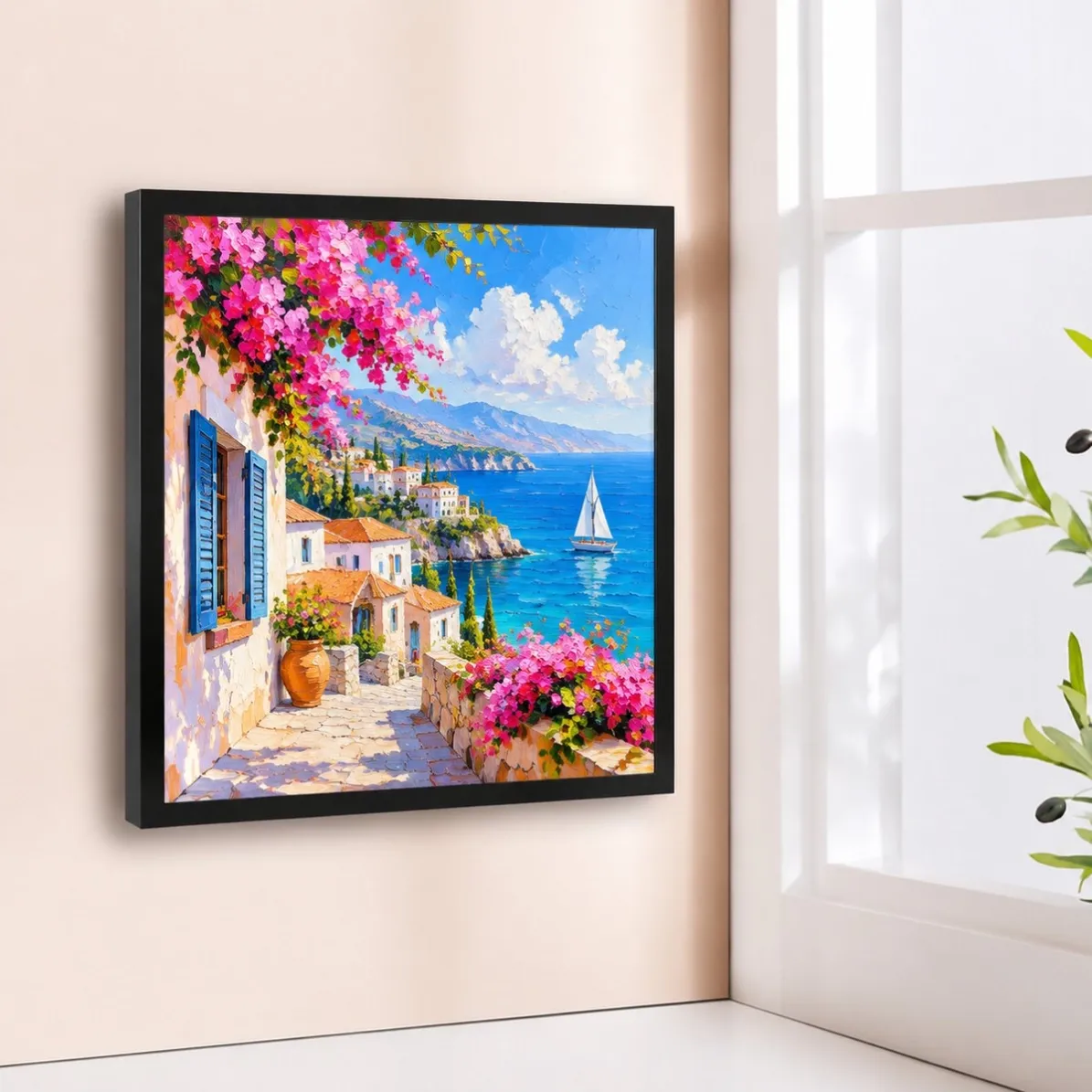
Set Display Times According to the Content
- Start by testing three images:
- The first image presents the main visual that is easiest to recognize.
- The second shows product or artwork details.
- The third displays the collection name or a short description.
- Let actual viewing conditions determine how long each image stays on screen. Ask one colleague to walk past the display and another to watch from the intended viewing position. Then ask them to describe what they saw.
- If passing customers can recognize the product but consistently miss the description before the image changes, extend the display time or shorten the text.
- If consecutive images have very different brightness levels, check whether the transitions look too abrupt during playback.
- For artwork with large black backgrounds or dark details, you can also refer to our article Picture Frame Display Contrast to evaluate the actual viewing effect.
Check Elements That Remain Fixed Across Images
- In some slideshows, the photos change while logos, borders, or subtitle bars remain in the same position.
- For projects involving long operating hours, check whether these fixed elements need reduced brightness, repositioning, or replacement along with the themed images. Also consult the supplier about recommendations for displaying long-term static content on the selected screen.
- Sample testing should cover the content and operating hours planned for the actual project.
- When contacting ZXT LCD about square LCD digital picture frames, provide three representative images, installation location photos, and the main viewing distance.
- Previewing the actual content makes it easier to evaluate whether the composition, brightness levels, and text sizes are suitable for the installation environment.