News & Insights
How to Update Content on Stretched LCD Displays: USB Drive, LAN, or Cloud?
When choosing a content update method for stretched LCD displays, start with a simple question: If an announcement needs to be changed tomorrow morning, who will handle it? If someone is always
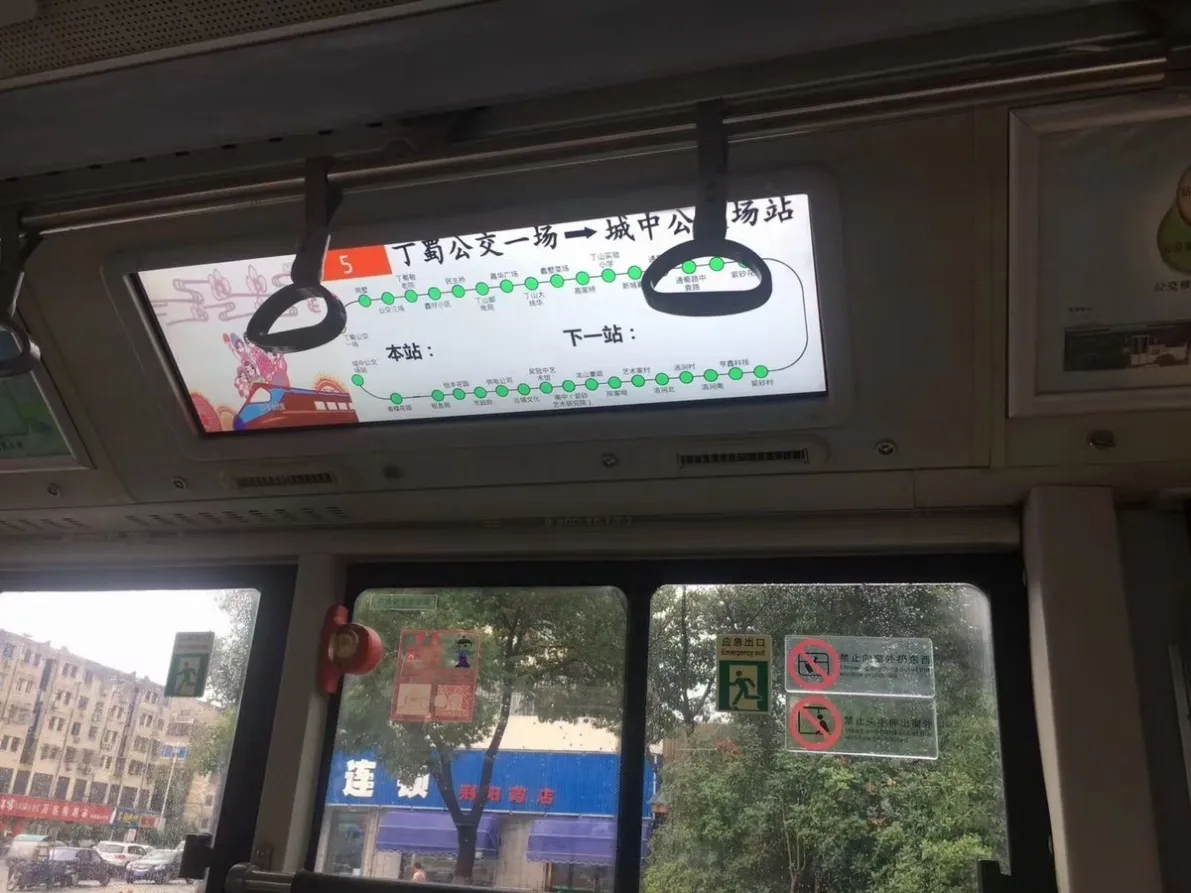
When choosing a content update method for stretched LCD displays, start with a simple question: If an announcement needs to be changed tomorrow morning, who will handle it?
If someone is always near the display and can update and check the content within minutes, on-site updates may be practical. If displays are installed across multiple floors or different cities, publishing schedules and update results need more centralized management.
USB drives, LAN, and cloud-based systems each address different day-to-day management needs.
USB Drive: For a Small Number of Displays with On-Site Staff
- USB updates are worth considering when there are only a few display locations, content changes are infrequent, and the devices are easy to access.
- First, confirm whether updates are handled by the display's built-in media player or an external playback device. Having a USB port does not automatically mean that content can be imported and played directly. Check the supported file formats, import procedure, and playback behavior after a power interruption through the manual or a sample test.
- Test the complete update process, from exporting and importing a new file to checking playback and confirming that the old version has been removed.
- Including the publication date and display location in file names can also help staff identify the correct content. If the USB port is located at the back of the installed display, make sure employees can access it easily.
LAN: For Multiple Displays Managed Through the Same Network
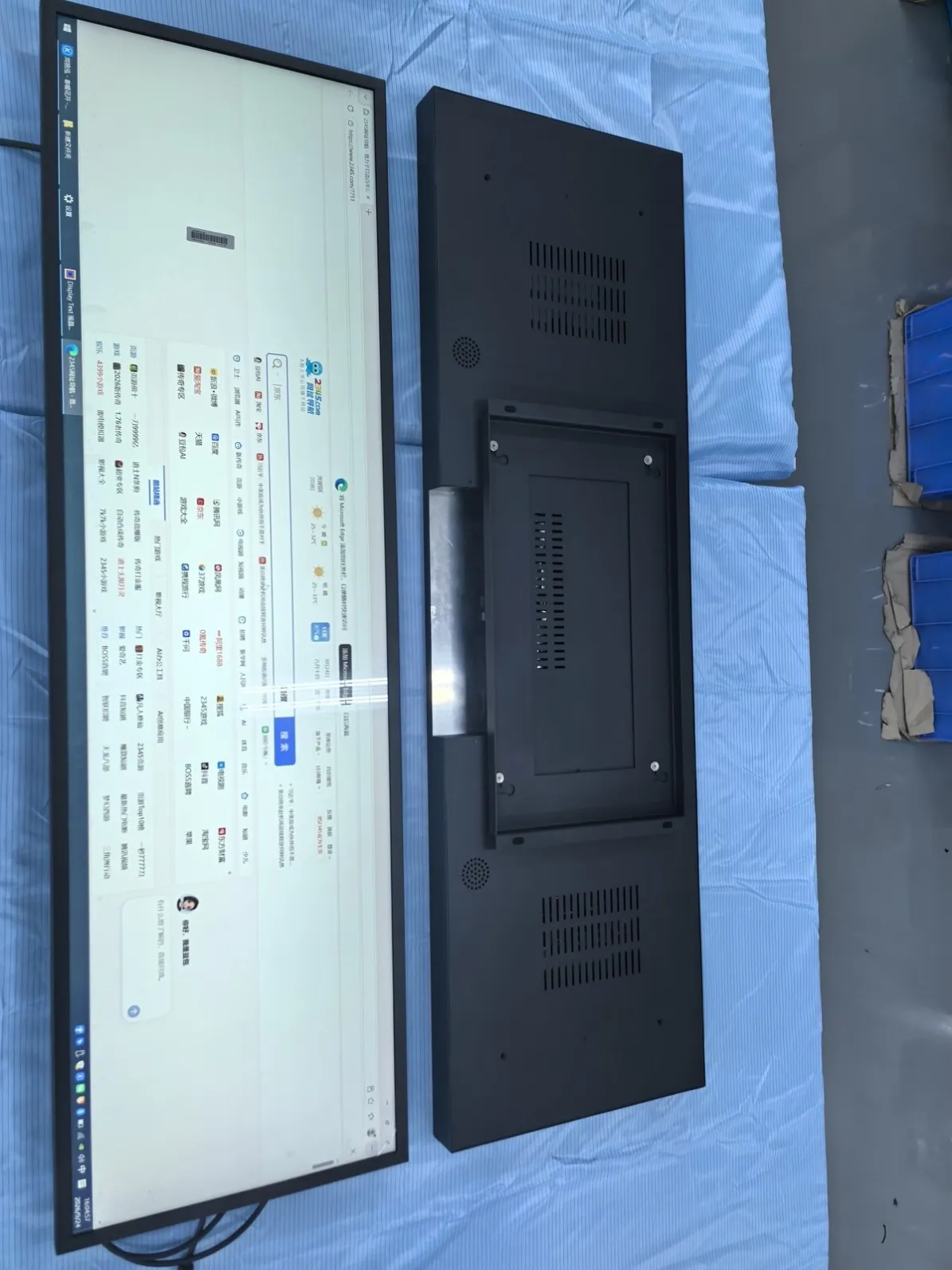
- If displays are located in the same exhibition hall, campus, or office building, and an internal network is available, centralized updates through a LAN may be suitable.
- When selecting a solution, confirm how the management system identifies individual displays, whether devices can be grouped by area, and how actual playback results can be checked after content is distributed.
- For sample testing, choose two installation locations. First, publish the same content to both screens, then update only one location.
- Next, simulate a temporary network disconnection and reconnection. Check what the displays continue playing during the interruption and whether they receive the latest content after the connection is restored.
- This helps determine whether the proposed solution fits the on-site team's daily operations.
Cloud: For Multiple Locations Requiring Centralized Scheduling
- For projects involving frequent updates across multiple locations, a cloud-based solution may be suitable. Headquarters can prepare content and publish different versions according to location and schedule.
- Before deployment, clarify the publishing permissions of headquarters, regional teams, and on-site staff, as well as which level is responsible for handling problems.
- You can simulate a promotional campaign to test the process, checking whether different locations play their assigned content at the scheduled times.
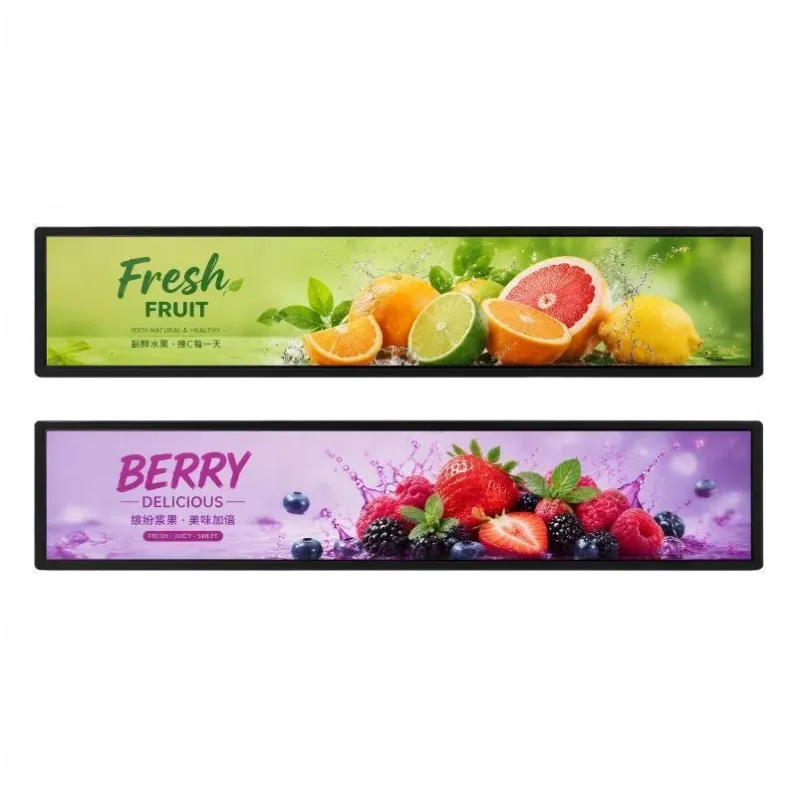
- The 14.4-inch shelf-edge stretched LCD display product page on ZXT LCD lists Android, Wi-Fi/LAN, and USB. CMS software integration is also listed as a customization service. The available update methods should be confirmed according to the actual model, media player, software configuration, and delivery scope.
- ZXT LCD – 14.4-inch Stretched LCD Display
- If you are comparing different solutions, provide ZXT LCD with the number of display locations, their geographical distribution, existing network conditions, and expected content update frequency.
- Testing the same content update at one standard location and another location with limited network conditions can help determine which method best fits your team's daily operations.