News & Insights
How to Test Round LCD Touchscreens: Edge Accuracy, Dry Fingers, and Glove Operation
When testing a round LCD touchscreen, conduct acceptance testing using the actual installation structure and business interface. Once installed in a panel, the screen edges may be close to

When testing a round LCD touchscreen, conduct acceptance testing using the actual installation structure and business interface. Once installed in a panel, the screen edges may be close to the decorative bezel, and users may operate it from an angle.
Start with the actual tasks users need to perform, such as opening menus, pressing the back button, scrolling through options, and confirming selections. Record any missed touches, accidental touches, or positioning errors.
Test the Center First, Then Work Around the Edges
- Prepare a test interface with a center point and markers around the edges. Start by tapping the center with normal pressure, then test the top, bottom, left, right, and diagonal positions.
- If touch positioning is inaccurate, record the direction of the offset, its distance from the edge, and the corresponding screen operation.
- Next, return to the actual interface and tap the buttons closest to the screen edges.
- If problems only occur on the actual interface, check the button positions, touch areas, and image cropping. If the decorative bezel makes the buttons difficult to reach, repeat the test with the screen installed in its actual position. Check whether increasing the distance between the buttons and screen edges improves usability.
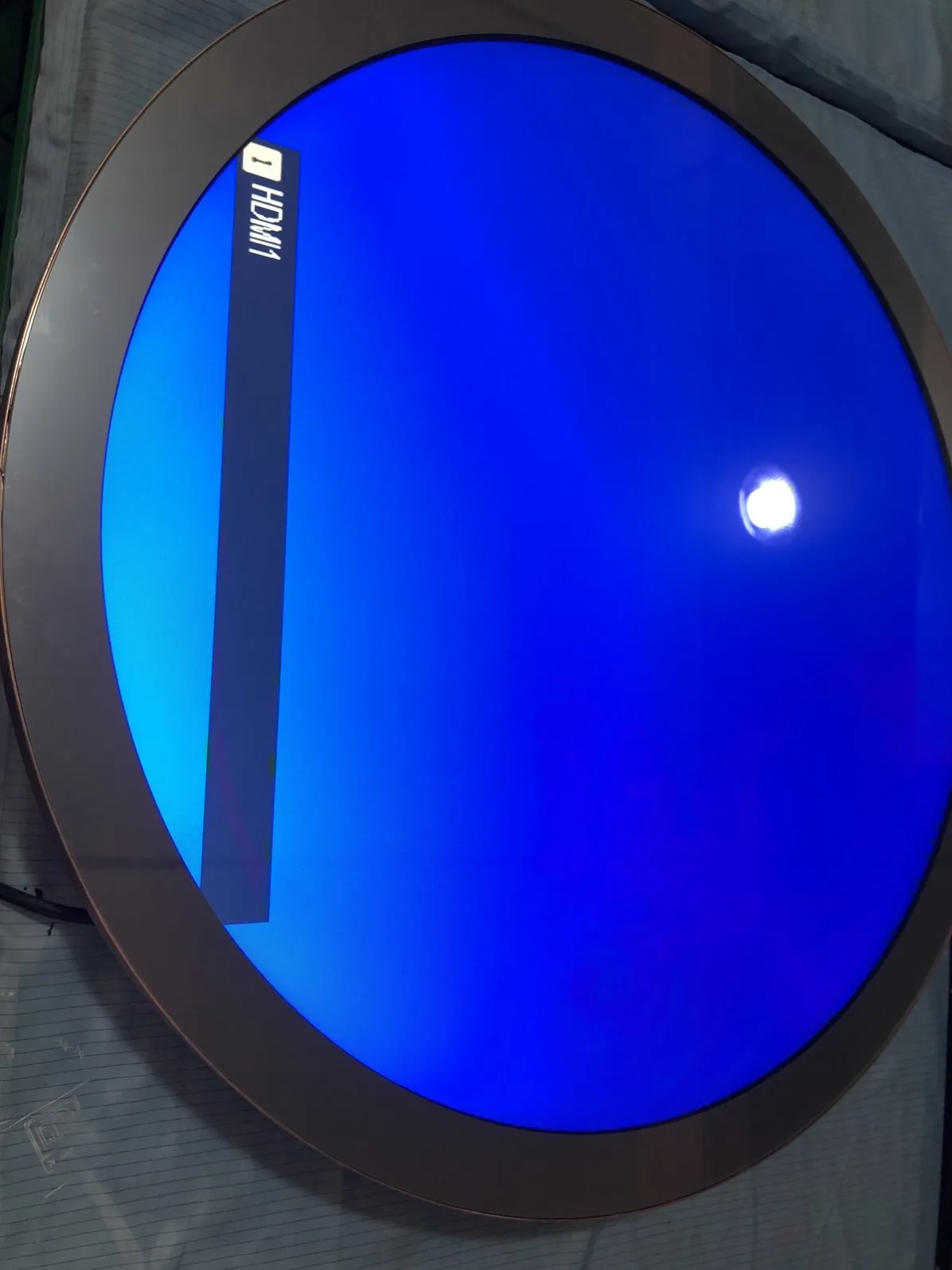
Test with Dry Fingers and Actual Work Gloves
- Ask different operators to perform the same tasks with dry fingers. Record the results of initial taps, repeated taps, and short swiping movements.
- Keep the screen and finger conditions close to normal daily use. Avoid applying extra pressure just to make the test successful.
- For projects requiring glove operation, use the actual gloves that employees will wear on-site. If two types of gloves are used, test each separately and record their materials or styles.
- Make the results specific to each task. For example: "The menu opens successfully, but the back button requires repeated touches."
- This is more useful for purchasing and on-site inspection than simply stating that "glove operation is supported."
- Before placing the final order, include all essential operations in the acceptance checklist.
Test the Complete Operation Process
- After testing individual touches, run through a complete operating sequence.
- Start by waking up the screen, selecting an item, scrolling through options, cancelling once, then reopening the function and confirming the selection.
- Test from both front-facing and angled positions. Check whether a palm or another finger accidentally touches nearby controls.
- Finally, restart the device and repeat the same process to confirm that all functions work correctly after recovery.
- When contacting ZXT LCD about round LCD touchscreens, provide interface screenshots, installation drawings or photos, and details of the gloves that need to be tested.
- If glove operation is essential, include the specific operating requirements so that sample testing can be arranged according to the proposed configuration.