News & Insights
How to Maximize Double-Sided Stretched Bar Display Lifespan: Understanding What Shortens Its Durability
Rather than asking 'how to extend equipment lifespan,' it is vastly more practical to ask 'what factors actively shorten its lifespan.' For an LCD stretched bar display, operationa
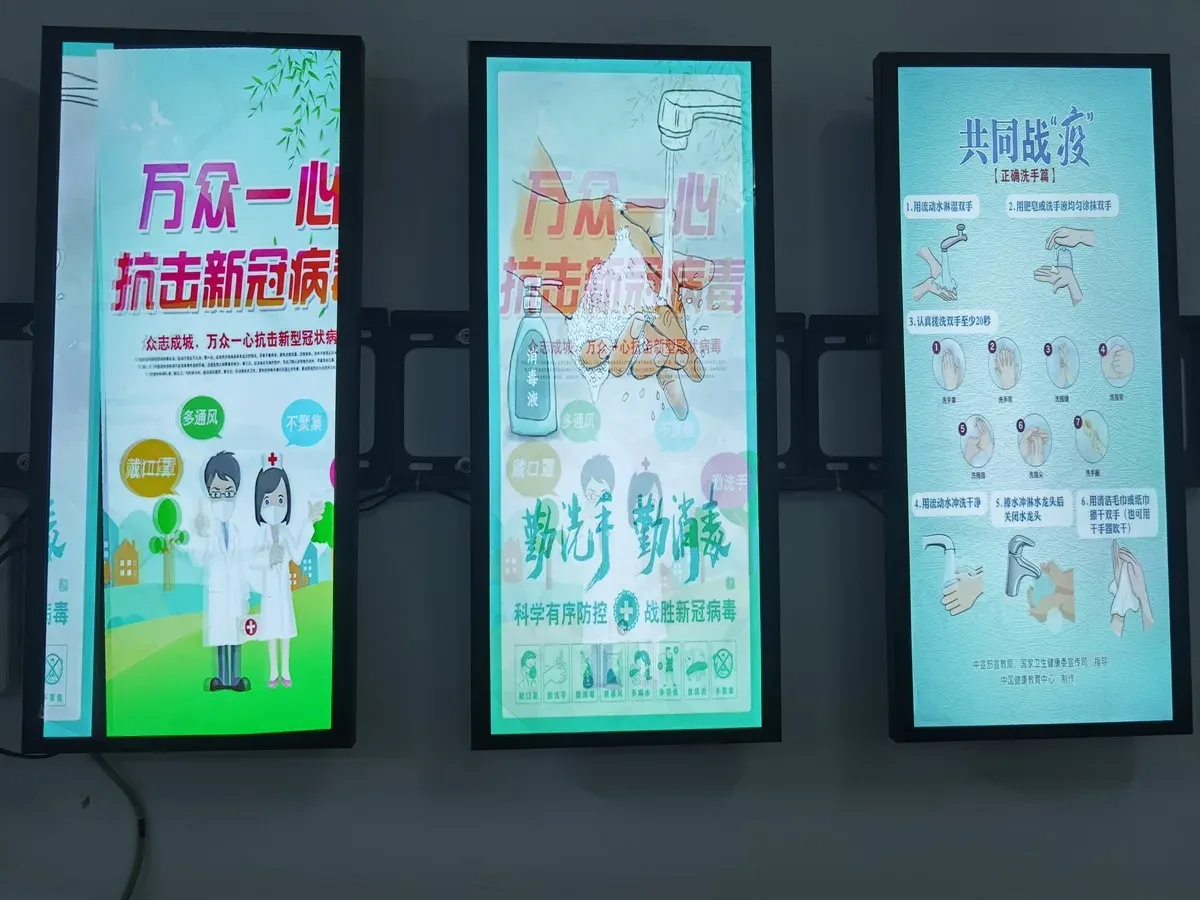
Rather than asking 'how to extend equipment lifespan,' it is vastly more practical to ask 'what factors actively shorten its lifespan.' For an LCD stretched bar display, operational longevity is governed by a few decisive elements: thermal heat, frozen static content, mechanical vibration that loosens connections, airborne dust, and unstable electrical power. Double-sided stretched displays carry additional complexity: two panels sit back-to-back, thermal dissipation is concentrated within a compact chassis, and units are often suspended in high-traffic aisles where mechanical forces and cleaning challenges are magnified.
Below is a structured analysis breaking down each factor and detailing actionable countermeasures.
Thermal Heat: The Number-One Adversary of Operating Lifespan
Electronic semiconductors and LED backlights are acutely sensitive to heat. In a double-sided stretched display, two high-brightness LCD panels and two sets of driver boards are enclosed within a single slim chassis; internal thermal dissipation space is inherently constrained. Strategic physical placement is therefore paramount: never seal units inside tight unventilated millwork, avoid placing them facing heating vents or direct solar radiation, and maintain generous convective ventilation clearance around the chassis.
Luminance directly dictates thermal wattage. Running displays at 100% maximum brightness continuously drives internal temperatures higher and accelerates component aging, while wasting electricity at night. Calibrate brightness to a comfortable contrast level matching ambient store lighting, and dim output by one tier during evening hours. If the display incorporates ambient optical sensors or automated dayparting schedules, utilize them; otherwise, configure scheduled timers in software.
Static Imagery: Keep the Screen Dynamic
Displaying frozen, unchanging graphics on an LCD panel for prolonged periods can induce temporary image retention (ghosting). If one face of a double-sided display continuously shows a static pricing matrix or corporate logo, subpixels experience uneven electrical stress. The proven solution is rotating dynamic media playlists: even for permanent price directories, introduce periodic layout transitions or gentle animated shifts. Confirm whether the two display faces support asynchronous content playback during model selection.
Fasteners and Cabling: Mechanical Looseness Is a Chronic Hazard
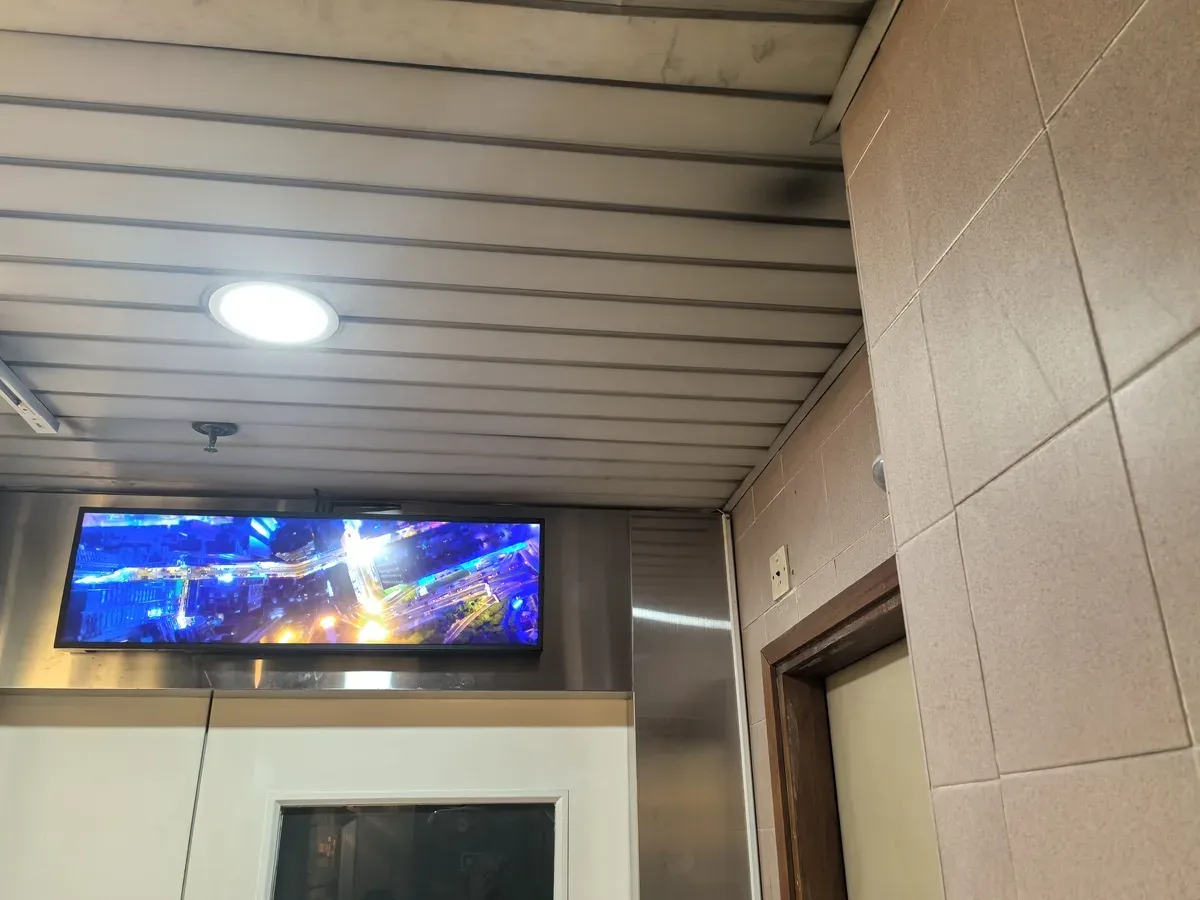
Stretched displays feature elongated, lightweight profiles mounted along retail shelving, corridors, or suspended from ceilings, where they endure greater ambient vibration than wall-hung monitors. Loosened screws, worn bracket hooks, or strained cables exhibit zero initial symptoms until displays begin flickering intermittently or mechanical tilt develops.
Inspect all mounting points and cable connectors approximately one week after initial installation, followed by scheduled periodic checks. Because double-sided displays hang in pedestrian corridors, verify that they are isolated from shopper head bumps or equipment collisions. Overhead ceiling suspension and structural anchors should always be executed by certified structural professionals.
Airborne Dust: Inconspicuous but Persistent
Airborne dust blankets cooling louvers, trapping internal heat, and oxidizes connector pins in humid air. Because double-sided displays hang in open air, both faces accumulate dust faster than single-sided wall displays. Periodically clear cooling vents using a soft-bristled brush or low-pressure air blower; avoid blasting high-pressure air guns that force dust deeper into internal electronics, and avoid wiping vents with wet cloths during humid weather.
When cleaning the optical screen face, disconnect primary AC power first. Wipe gently in a single direction using a soft microfiber cloth across both display faces. For stubborn smudges, lightly moisten the cloth with clean water or approved screen cleaner, testing on an inconspicuous corner first; never spray liquid directly onto the glass, preventing capillary seepage into perimeter bezel seams.
Power Supply and Startup Cycles: Stability Trumps Frequency
Regarding power switching, avoid extreme practices: automating daily startups and shutdowns aligned with retail operating hours is completely sound; what must be prevented is rapid power toggling, abrupt cord pulling, and voltage sags. Power displays via dedicated, regulated commercial electrical circuits, avoiding sharing outlets with heavy refrigeration compressors or industrial motors. In lightning-prone regions, install certified surge suppressors and low-impedance earth grounding executed by licensed electricians.
Software and Firmware: Update Conscientiously
For networked digital displays, applying vendor firmware and software updates resolves known bugs and strengthens system stability. Always back up existing configuration settings prior to updating, maintain uninterrupted electrical power during flashing, and verify playback and cloud connectivity post-update. Avoid installing unverified third-party software that consumes system memory and compromises operational stability.
A Practical Maintenance Cadence
Weekly: Visually check screen clarity for anomalies and wipe dust from both optical faces and outer bezels. Monthly: Inspect structural mounting brackets, cabling terminals, and cooling vents. Quarterly / Seasonally: Evaluate environmental shifts, particularly prior to summer heatwaves and humid rainy periods. Annually: Engage certified technicians for a comprehensive internal audit and dust extraction.
Frequently Asked Questions (FAQ)
Must both sides of a double-sided display show identical content?
Not necessarily. It depends on internal controller hardware and digital signage software; verify independent dual-channel output capabilities during model selection.
Can stretched bar displays run continuously overnight?
Yes, but configuring automated power timers to shut down displays overnight conserves power and extends component longevity.
What should be done if image ghosting appears on screen?
Switch the display to full-motion video playback or power down the unit for several hours; mild retention typically dissipates naturally. If ghosting remains permanent, contact after-sales support.
Can facility staff disassemble the unit for internal cleaning?
It is not advised. Internal cleaning and component servicing involve high-voltage power inverters and sensitive electronics that certified technicians should handle.
ZXTLCD specializes in the design and manufacturing of shelf-edge stretched bar displays and specialized custom-format LCD screens, spanning stretched bars, square displays, and round screens, supporting comprehensive OEM/ODM custom engineering for indoor commercial environments. If your equipment encounters operational challenges, share your model, environment, and observed symptoms with our technical team for prompt consultation. Official website: www.shelflcd.com
Looking for customized commercial Double-Sided Stretched Bar Display solutions, Double-Sided Stretched Bar Display, Dual-Screen Shelf LCD, Two-Sided Bar Monitor, or tailored ultra-wide display hardware? Feel free to contact the ZXTLCD engineering team for engineering specifications, CAD drawings, and factory-direct volume quotes.
Featured Commercial Hardware: Explore our high-performance Ultra Wide Screen Shelf 90.8 Inch Double-Sided Narrow Frame Stretched LCD Display and 37.1 Inch Ultra Wide Screen Shelf Narrow Frame Round Corner LCD Shelf Screen engineered specifically for demanding modern retail shelf and digital signage spaces.