Buying Guides
How to Build a Multi-Screen Video Wall with Square LCD Displays: Gaps, Proportions, Synchronization, and Content
When one screen is not large enough or has the wrong shape, combining multiple displays can be a practical solution. This is common in exhibition halls, branded spaces,
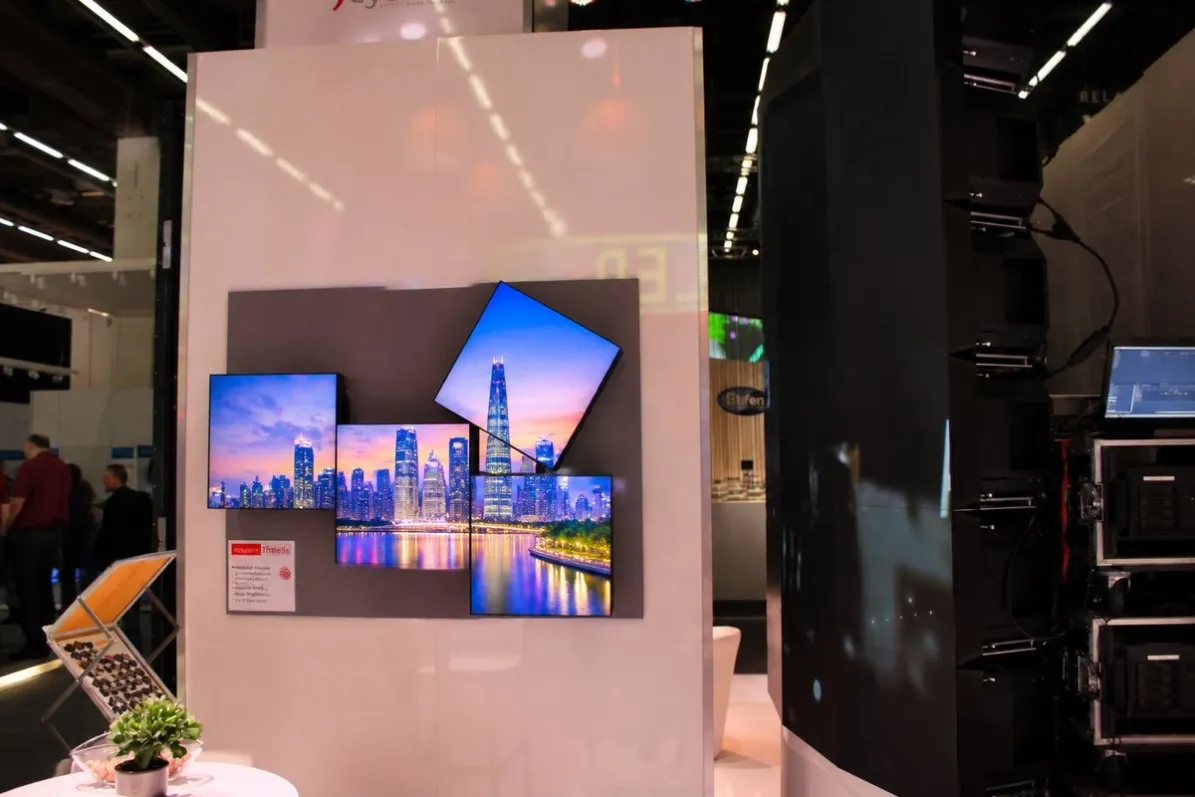
When one screen is not large enough or has the wrong shape, combining multiple displays can be a practical solution. This is common in exhibition halls, branded spaces, artistic installations, and public information displays.
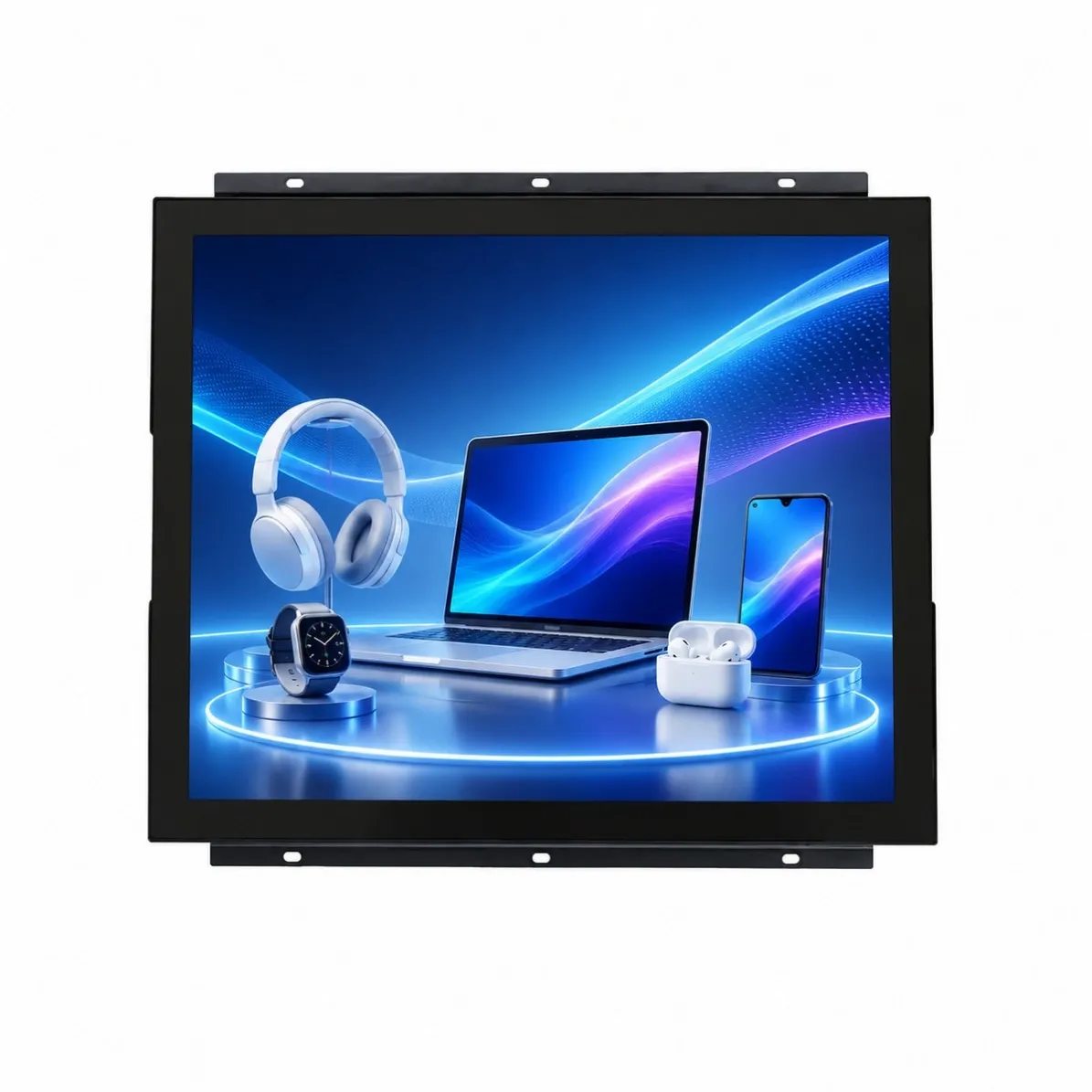
With their nearly square aspect ratio, square LCD displays offer flexible horizontal and vertical arrangements. They can be combined into wide displays, square arrays, or staggered layouts.
However, a multi-screen installation requires careful planning. Here are seven important factors to consider.
- Define the Desired Display Effect
Different visual goals require different solutions.
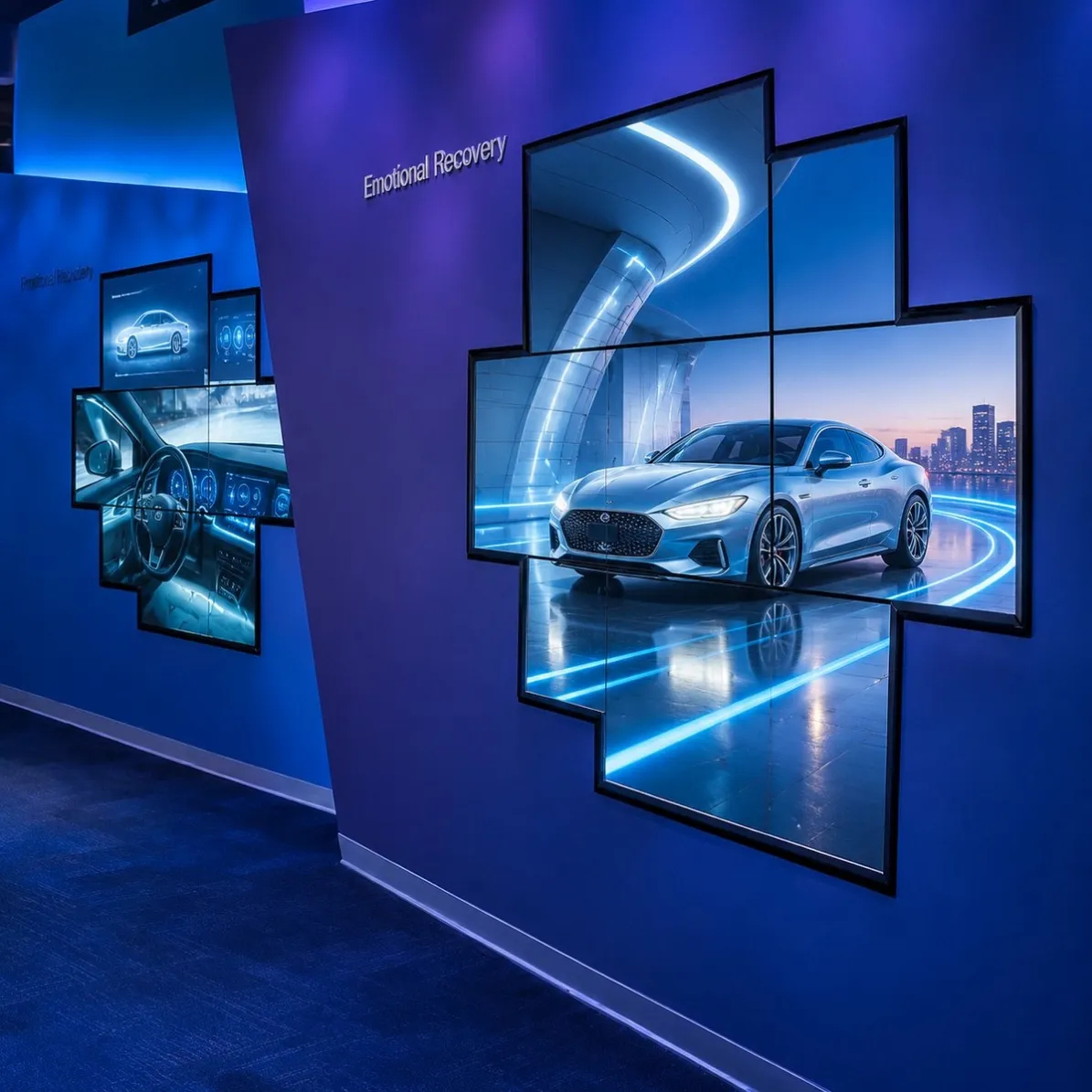
Continuous images: Minimize gaps so that images and videos appear as connected as possible.
Independent displays: Each screen shows different content, making the gaps part of the design.
Artistic installations: Screen arrangement and spacing contribute to the overall visual effect.
Decide on the desired result before selecting the technical solution. This helps avoid unnecessary costs and design compromises.
- Consider the Gaps Between Screens
LCD displays have bezels, so gaps between adjacent screens cannot be completely eliminated. Their width depends on the display bezel, enclosure, and mounting structure.
Content should be designed around these gaps. Avoid placing important text, faces, or graphics directly across bezel positions. Adjusting images to account for the gaps can also create a more natural visual effect.
The actual gap width depends on the selected model and mounting structure. We recommend assembling several sample screens to evaluate the result.
- Maintain Consistent Brightness and Color
Differences in brightness and color temperature can make a video wall look uneven, even when all screens are the same model.
To improve consistency:
Use screens from the same production batch whenever possible.
Calibrate all displays consistently before shipment.
Compare screens side by side after delivery.
Check for brightness differences during long-term use and readjust when necessary.
Include these consistency requirements in your purchasing specifications rather than addressing them after installation.
- Plan Multi-Screen Synchronization
Synchronization is essential when multiple screens display continuous content. Poor synchronization can cause misaligned images or video tearing.
Common solutions include:
Using one signal source with distribution or splitting equipment.
Synchronizing individual screens through software or a network.
Using dedicated video wall controllers.
The right solution depends on the number of screens, content type, budget, and cabling conditions.
Our square LCD displays feature HDMI, Ethernet, and Wi-Fi connectivity and support a content management system. The synchronization capabilities and suitable screen quantity should be evaluated according to each project's requirements.
- Design Content for the Screen Layout
Content for a multi-screen video wall needs to be prepared specifically for the installation.
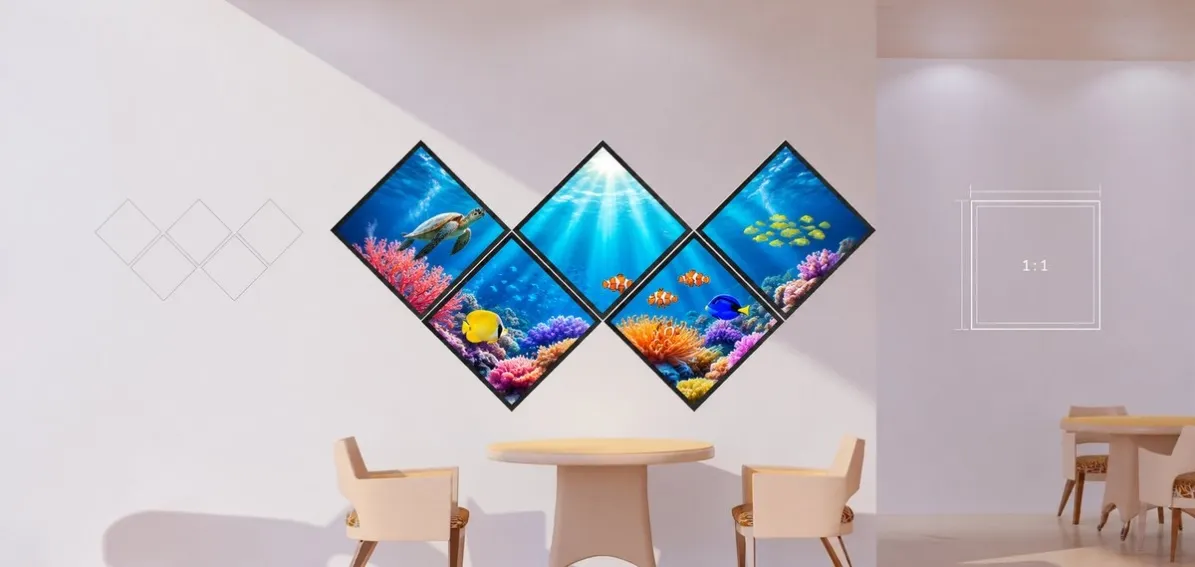
Before production, calculate the resolution of each screen and the overall aspect ratio. Design continuous content as one complete image or video, then divide it across the individual displays.
Also consider bezel compensation and consistent colors across all screens.
It is best to finalize the display structure and specifications before producing the content. Otherwise, the content may not match the final screen arrangement.
- Consider Structure, Power, and Heat Dissipation
Multiple screens installed together generate combined heat, making ventilation particularly important.
Consider the following:
Structure: Ensure the mounting system can support the total weight. Wall-mounted and suspended installations may require reinforcement.
Power: Check power stability and whether centralized or separate power circuits are needed.
Cabling: Plan cable routing and separate signal and power cables to avoid interference.
Ventilation: Ensure sufficient heat dissipation, especially for recessed or enclosed installations.
These requirements should be reviewed with the supplier and installation contractor during the planning stage.
- Plan for Future Maintenance
If one screen fails after several years, how easily can it be replaced?
Consider whether individual screens can be removed independently, how many surrounding screens need to be dismantled, whether spare units are available, and whether their brightness and color can match the existing displays.
Also consider whether the entire wall needs to be shut down during maintenance and whether sufficient cable length has been reserved.
A front-maintenance structure makes individual screen replacement more convenient.
Information to Prepare Before Starting Your Project
To help us evaluate your requirements, please prepare:
Desired display effect: continuous images, independent displays, or artistic installation.
Number of screens and arrangement.
Installation dimensions, load-bearing capacity, and power conditions.
Ambient lighting conditions.
Content types and update methods.
Budget and delivery schedule.
Display consistency and maintenance requirements.
With this information, we can provide a solution based on your actual project needs rather than a general quotation.
Frequently Asked Questions
Can multiple LCD screens create a completely seamless display?
No. LCD bezels cannot be completely eliminated, but structural design and content adjustments can make the gaps less noticeable.
What equipment is needed to synchronize multiple screens?
It depends on the number of screens and content. Signal distribution equipment, software, or network synchronization may be used.
Can screens from different production batches be used together?
It is not recommended. Differences in brightness and color temperature may be noticeable. Using screens from the same batch with consistent calibration is preferable.
What happens if one screen fails?
Plan the maintenance structure in advance and prepare spare units. Replacement depends on the installation structure and product availability.
ZXT LCD specializes in the design and manufacturing of shelf-edge stretched LCD displays and specialty-shaped LCD displays, including stretched, square, and round screens. We support OEM/ODM customization and can evaluate screen integration and structural solutions according to project requirements.
If your project requires multiple-screen integration, please share the screen quantity, installation location, and content type with us. Our team will respond as soon as possible.