Buying Guides
30 Frequently Asked Questions About Stretched LCD Displays
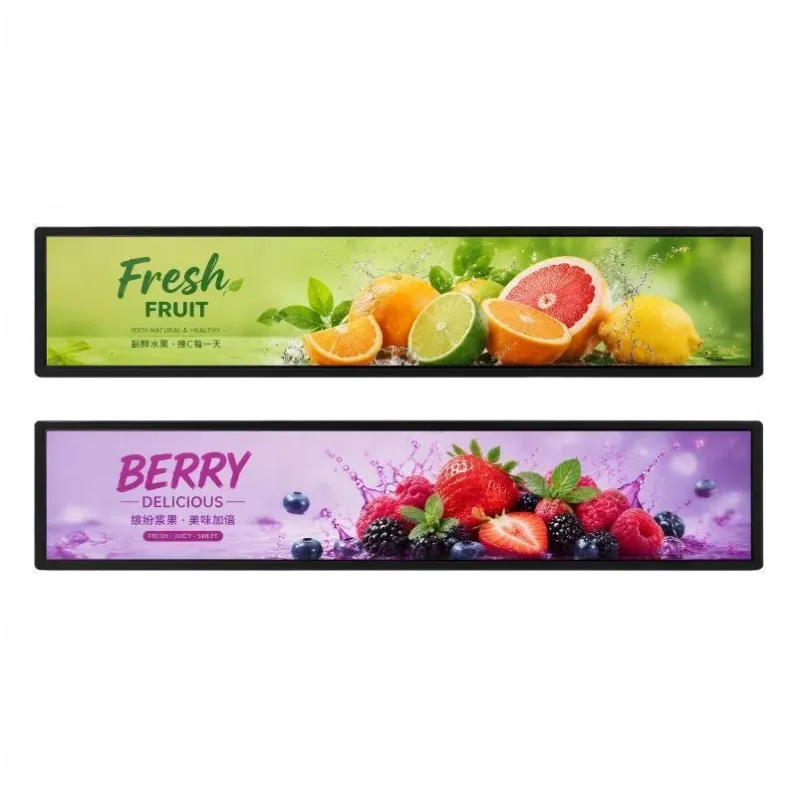
Start with the available installation space and content layout. Stretched LCD displays have a longer, narrower screen shape, making them suitable for displaying information horizontally
Before Purchasing
1. What is the difference between a stretched LCD display and a regular widescreen display?
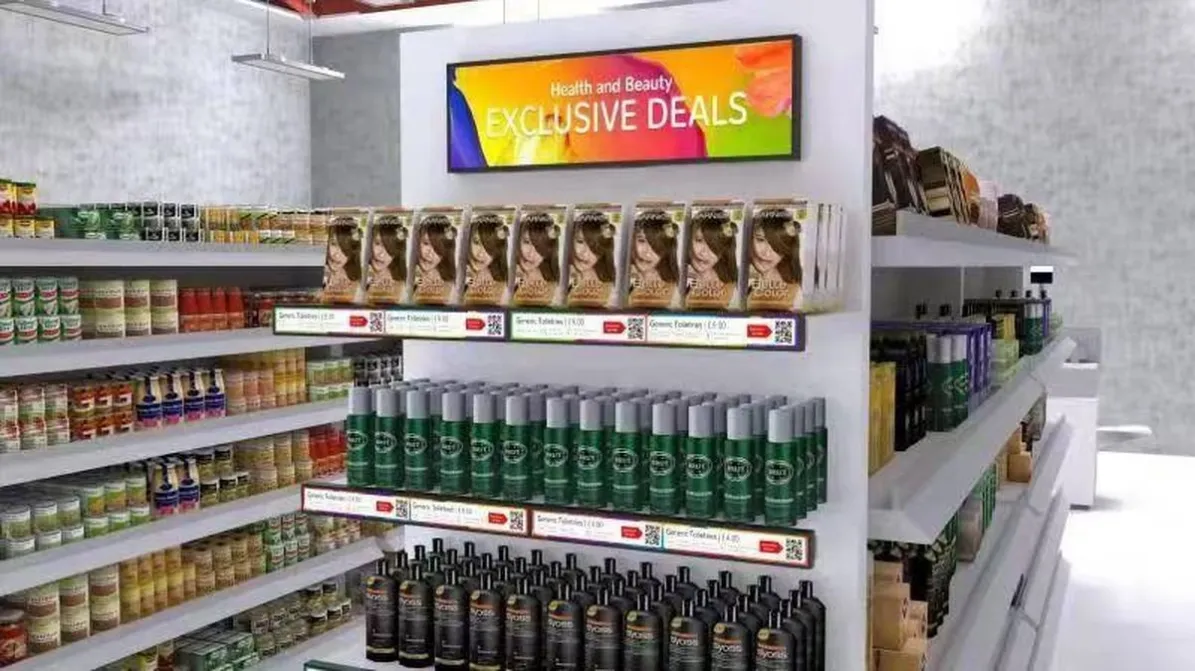
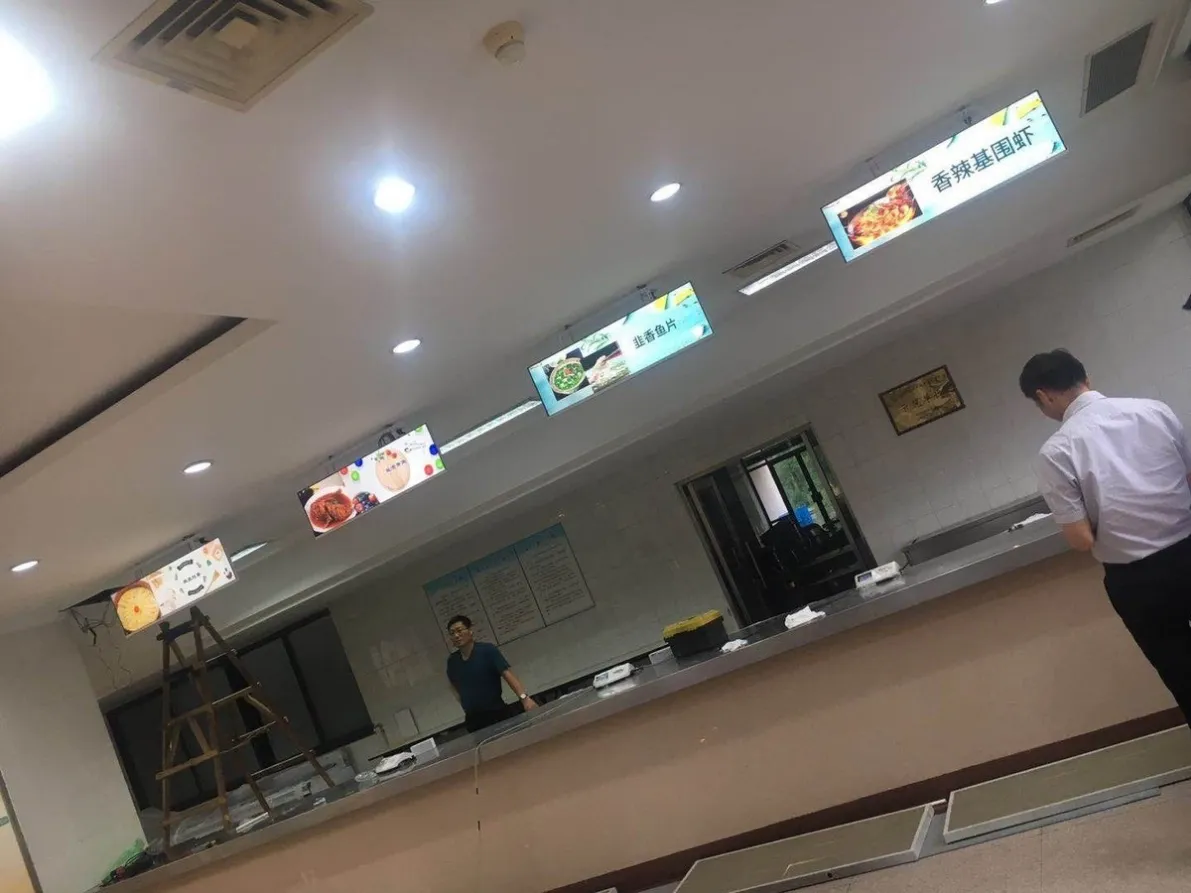
Start with the available installation space and content layout. Stretched LCD displays have a longer, narrower screen shape, making them suitable for displaying information horizontally along shelves, counters, and walkways.
2. Can I request a quotation based on screen size in inches alone?
It is better to provide the available width, height, and depth as well. Displays with similar diagonal sizes may have different aspect ratios and overall dimensions.
3. What is the difference between the active display area, cutout size, and overall dimensions?
The active display area is used for content layout. The cabinet opening determines the visible area and installation method, while the overall dimensions confirm whether the display fits the reserved space.
4. Can one shelf be fitted with multiple stretched displays?
Yes. The layout can be planned according to the available width of each section, shelf supports, and product groupings. After dividing the shelf into sections, check whether the screen content aligns with the product positions.
5. Can stretched LCD displays be installed vertically?
Check the permitted installation orientation of the selected model, then test image rotation and resolution output using the actual media player.
6. Are touchscreen and non-touchscreen versions available?
ZXT LCD's product catalog includes both touchscreen and non-touchscreen stretched LCD displays. For interactive applications, confirm the specific model and mounting structure.
Content Creation and Playback
7. What canvas size should I use for content creation?
Use the canvas dimensions confirmed for the project, based on the actual screen resolution and media player output settings.
8. Can existing 16:9 videos be played directly?
Test them first to check scaling, cropping, or empty space. If people, subtitles, or product logos are close to the edges, the content may need to be redesigned.
9. How large should price numbers be?
Test the complete price from the actual viewing distance, including decimal places, units, and applicable conditions.
10. Why is part of the image cut off after playback?
Use a test image with border lines and corner markers to check the media player output, scaling settings, and visible display area. If decorative edges are installed, check whether they cover any part of the screen.
11. Can images and videos be included in the same playlist?
This depends on the playback software. Test file compatibility, playback order, and transitions using the actual configuration.
12. Can stretched LCD displays show web pages or real-time data?
Confirm whether the media player and application can output content in the stretched screen format. For network-based applications, also test what happens when the connection is interrupted.
Signal Sources and Content Updates
13. Do stretched LCD displays always have built-in media players?
This depends on the product. Displays connected to external signal sources and complete units with integrated playback functions should have their delivery specifications confirmed separately.
14. What equipment is needed for an HDMI stretched LCD display?
An external signal source capable of outputting the required image is needed. Check the interfaces, output resolution, and playback software before ordering.
15. Does a USB port mean the display can automatically play content from a USB drive?
Confirm the purpose of the USB port, media player capabilities, supported file formats, and actual content import procedure.
16. How can multiple displays receive content updates centrally?
First, check whether the displays share an available local network and whether updates need to be delivered across different locations. After selecting a playback solution, test device grouping and content publishing.
17. What happens when the network connection is lost?
This depends on the media player configuration and application behavior. During acceptance testing, simulate a network disconnection and check whether playback continues, switches to backup content, and resumes correctly after reconnection.
18. Will the display return to its previous content after a power outage?
Test the actual configuration by disconnecting and restoring power. Check whether manual operation is required and whether the display returns to the previous content, default content, or another screen.
Before On-Site Installation
19. What photos should I provide when requesting a quotation for shelf installations?
Take photos of the entire shelf from the front, the shelf beam from the side, and the planned cable routing position. If prices will be displayed alongside products, also provide a photo of the fully stocked shelf.
20. Can existing shelf mounting brackets be reused?
First, check the shelf beam structure, mounting points, and drawings of the selected display. During the first installation, also check cable connections and whether daily restocking remains convenient.
21. How much space should be reserved for cables and connectors?
Determine this according to the actual connector dimensions, cable bending requirements, and maintenance access direction. Ideally, include the connected cables and connectors in the sectional drawing.
22. How can readability be evaluated in shop windows or under strong lighting?
Play the actual content at the planned installation position and check reflections and readability from the customer's viewing position during both daytime and evening conditions.
23. Can stretched LCD displays be installed near refrigerated cases?
Check the operating temperature, humidity, condensation conditions, cleaning methods, and selected configuration for each installation position. Locations inside refrigerated cases, outside the cases, and near air outlets should be evaluated separately.
24. Can stretched LCD displays be installed outdoors?
Confirm the requirements according to the specific product specifications and project environment, including protection from sunlight, rain, and other exposure conditions.
Packaging, Inspection, and Reordering
25. What content should be used for sample testing?
Use materials that closely match the final content, including the longest headline, the smallest text that must remain readable, and images with the greatest differences in brightness.
26. How can the brightness and color temperature of multiple displays be compared?
Play the same content on all displays under identical settings and environmental conditions. If the project has specific measurement requirements, include the measurement conditions and acceptable differences in the acceptance criteria.
27. Can multiple displays switch content at exactly the same time?
First, clarify whether you need simultaneous startup, scheduled content switching, or continuous animation across multiple screens. Test the required function using the actual playback solution.
28. What accessories should be confirmed before ordering?
Check the power supplies, cables, mounting brackets, media players, and installation fasteners. Also clarify who is responsible for supplying each item.
29. What information should be retained for future reorders?
Keep the approved drawings, display configuration, accessory list, and production batch records. Use these documents to check installation compatibility and display performance when replacing or ordering additional units.
30. How can I get a more accurate and comparable quotation?
Provide ZXT LCD with the installation space, main content requirements, signal source, number of installation locations, and deployment schedule. Existing cabinet drawings, site photos, and representative content can also be included.