Buying Guides
How Does Custom LCD Display Development Work? From Requirements and Drawings to Sampling and Mass Production
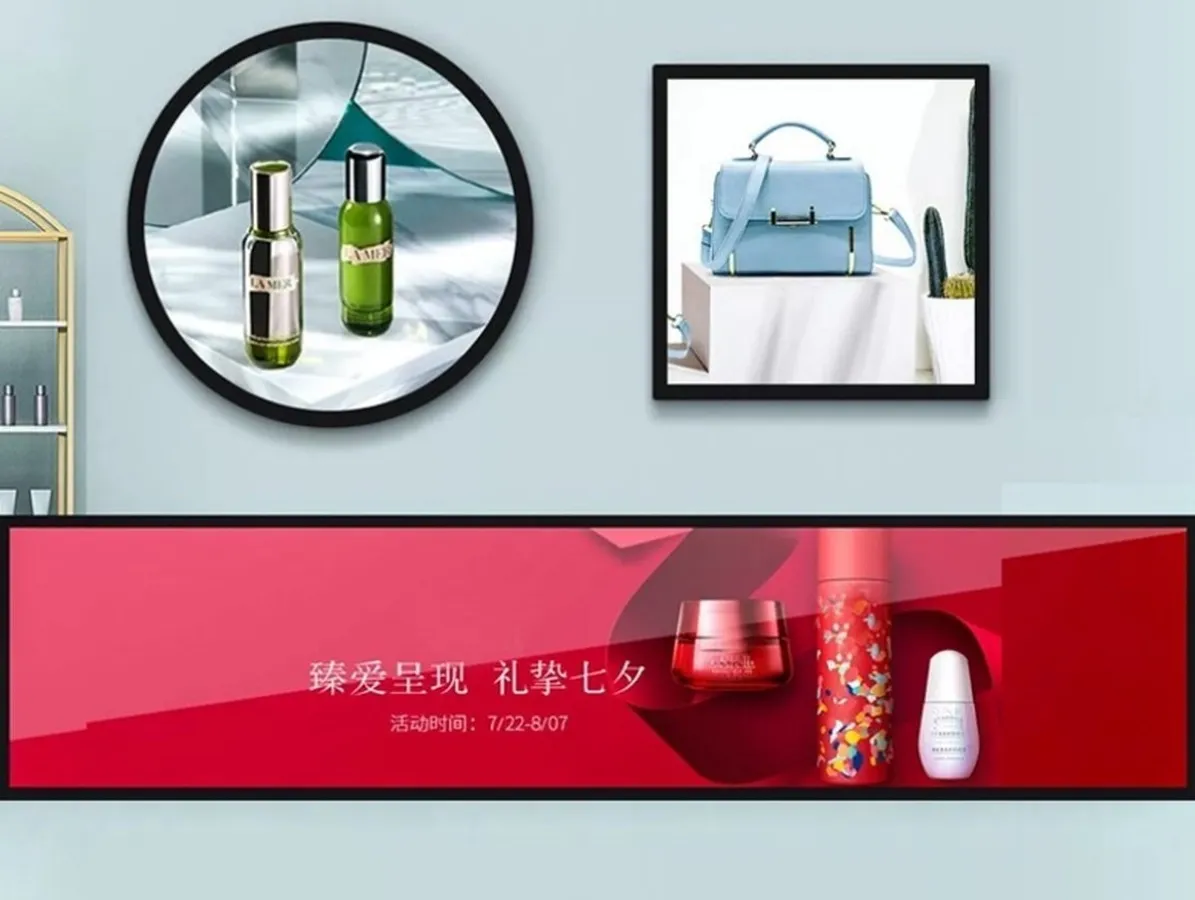
A display needs to fit inside the enclosure, allow proper cable connections, support the planned installation direction, and show the content prepared by the customer. In custom LCD display
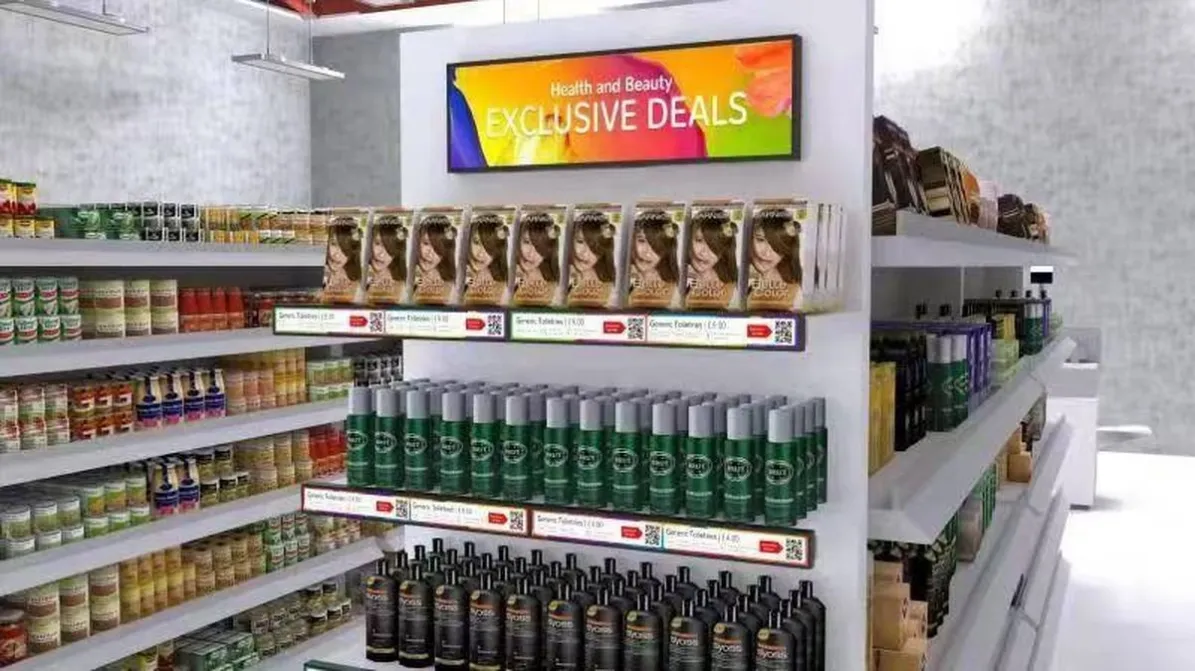
A display needs to fit inside the enclosure, allow proper cable connections, support the planned installation direction, and show the content prepared by the customer.
In custom LCD display projects, confirming these requirements together through drawings and sample testing at an early stage makes it easier to resolve installation and display issues before mass production.
Submit Your Requirements Along with the Application Details
- When submitting an OEM/ODM inquiry to ZXT LCD, start by providing a site photo or equipment drawing. Mark the screen position, available width, height and depth, main viewing direction, and reserved cable routing space.
- If the cabinet opening has already been made, provide its actual dimensions and edge details. If the enclosure is still being designed, indicate which dimensions can be adjusted.
- Also provide sample content and explain whether the display will mainly show prices, menus, brand animations, or equipment interfaces.
- If the project has specific signal sources, playback devices, installation orientations, or delivery batches, include these requirements at the beginning. They may affect interface placement, structural design, and sample testing.
Review the Drawings and Confirm Three Sets of Dimensions
- The first is the active display area, which determines the actual visible content.
- The second is the overall dimensions, which determine whether the display fits into the reserved space.
- The third is the installation and maintenance space, including mounting points, connector clearance, and the space needed to remove the screen.
- We recommend having the cabinet designer, display supplier, and installation team review the same drawing.
- Mark any details that need confirmation, such as front-edge coverage, cable exit direction, clearance between connectors and the rear panel, and whether the screen will be removed from the front or rear.
Test the Sample Using Actual Content and Accessories
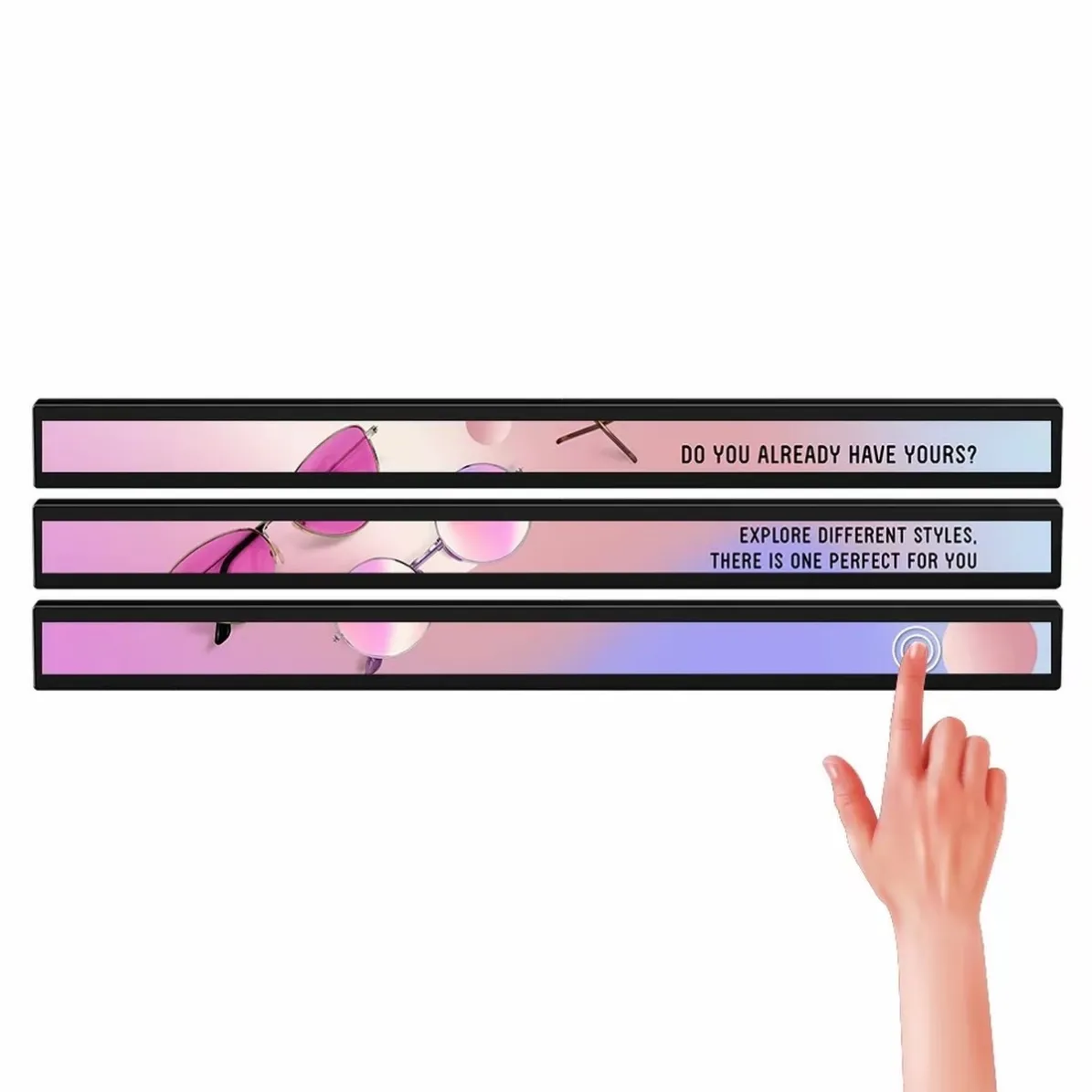
- Install the sample in the actual cabinet or a prototype with the same dimensions. Use the planned cables, signal source, and content.
- After powering on, check the display from the customer's actual viewing position. Confirm that the image is not blocked by the edges and that the text is clear. Then test removal and reinstallation to check whether connectors or mounting components interfere with the cabinet.
- If adjustments are needed, mark them on photos or drawings, including the relevant version and acceptance requirements.
- After sample approval, keep records of the confirmed structural drawings, configuration, and content version for subsequent mass-production inspections.
Turn Sample Approval Requirements into Mass-Production Inspection Criteria
- Before mass production, agree on the items to be checked during delivery, such as overall dimensions, mounting hole positions, interface directions, accessories, packaging labels, and display performance.
- If multiple screens will be installed side by side, include a test using the same content across all displays.
- For phased deliveries to different stores, confirm the labels, quantities, and accessory lists for each batch in advance.
- If your project is still at the concept stage, simply provide the intended application, available installation space, and estimated quantity.
- For projects with existing cabinet drawings, send them to ZXT LCD together with a representative image. This will help determine whether structural evaluation or sample production should come first.