Buying Guides
Android or Windows for Square LCD Displays? Test with Your Actual Content First
When choosing between Android and Windows for a square LCD display, start by listing what the device needs to do on the first day of operation. A digital picture frame may only
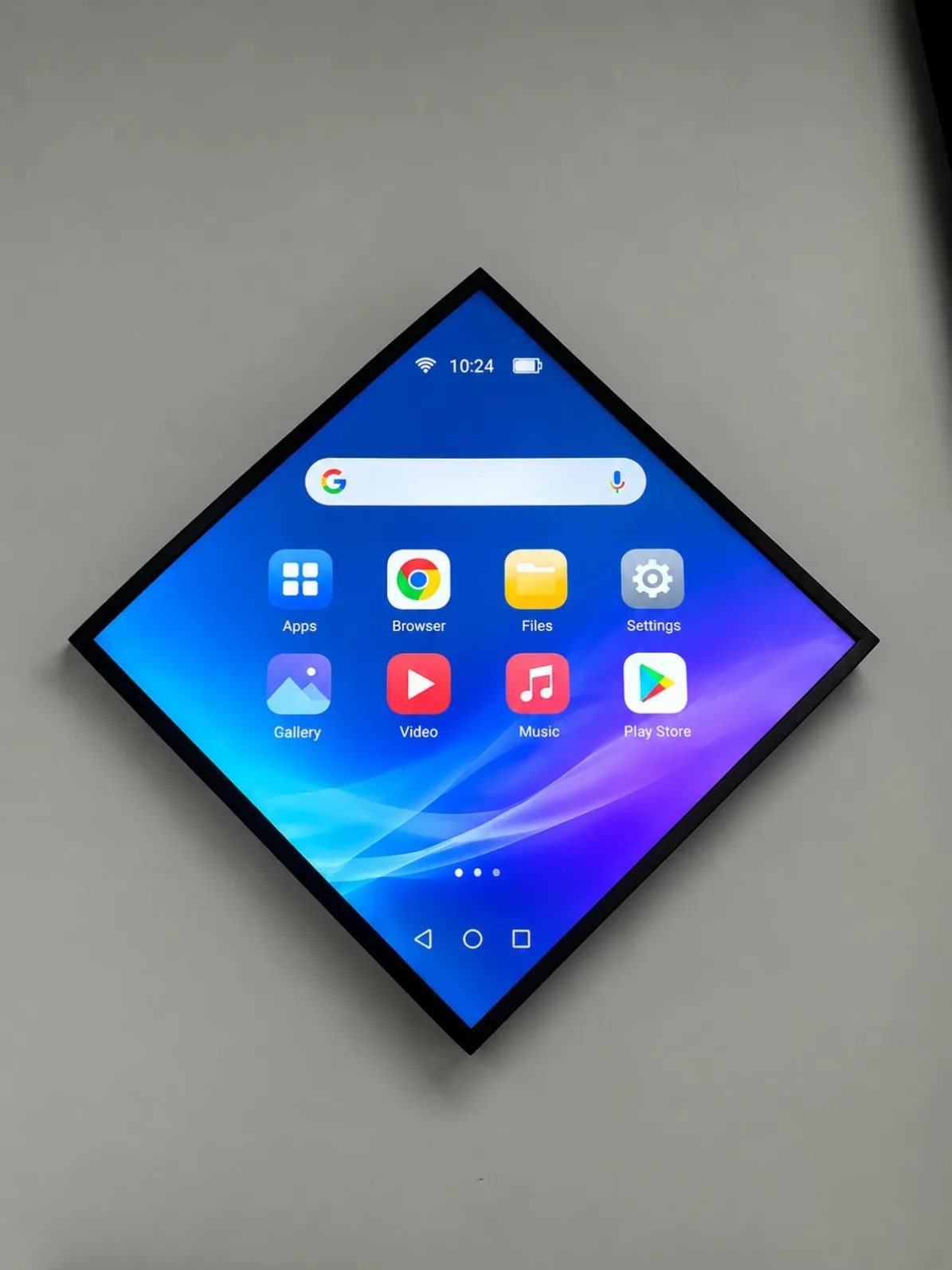
When choosing between Android and Windows for a square LCD display, start by listing what the device needs to do on the first day of operation.
A digital picture frame may only need to turn on and play a series of photos. A device control terminal, on the other hand, may need to run a specific client application and connect to a barcode scanner or other peripherals. Once the actual tasks are clear, it becomes easier to determine the right system and hardware configuration.
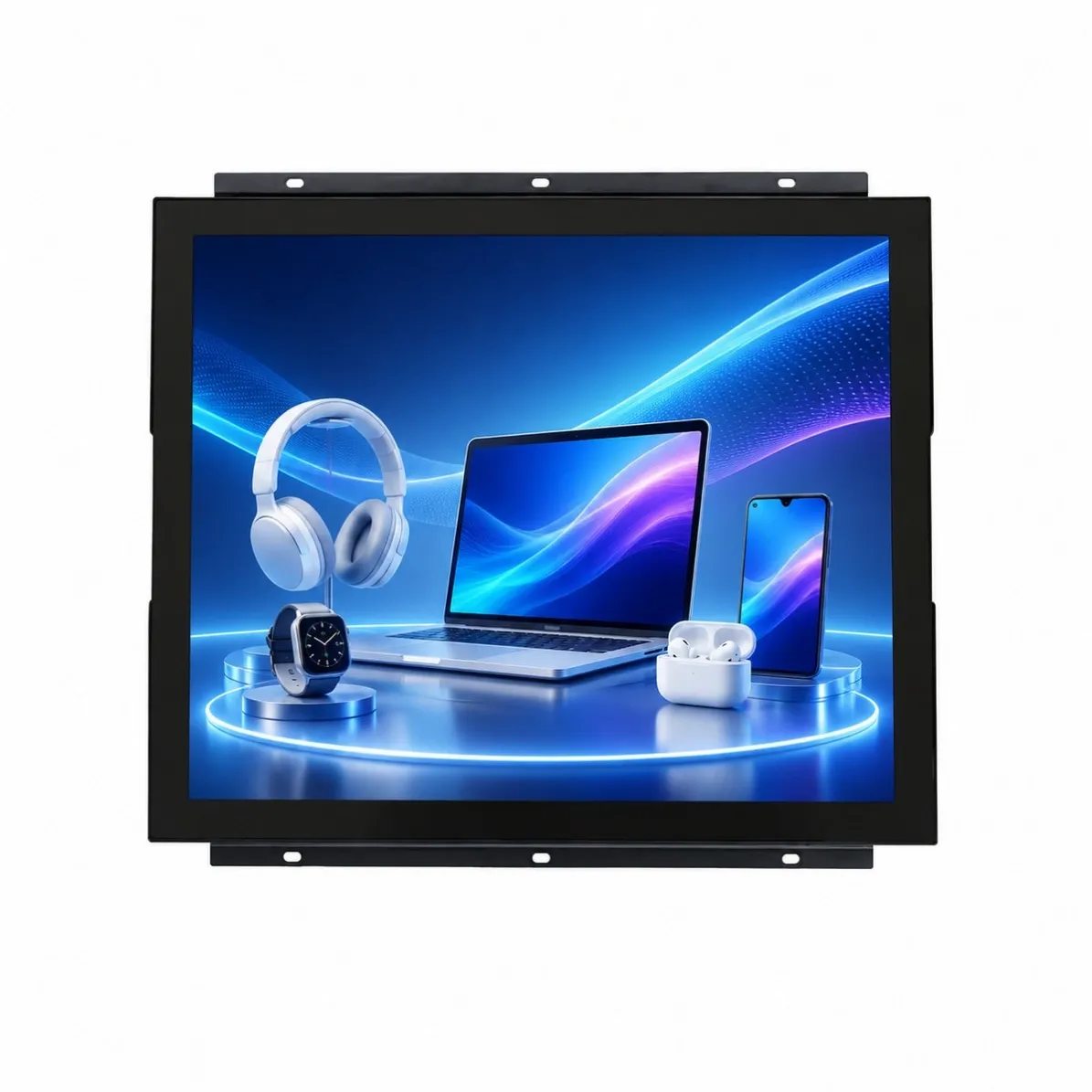
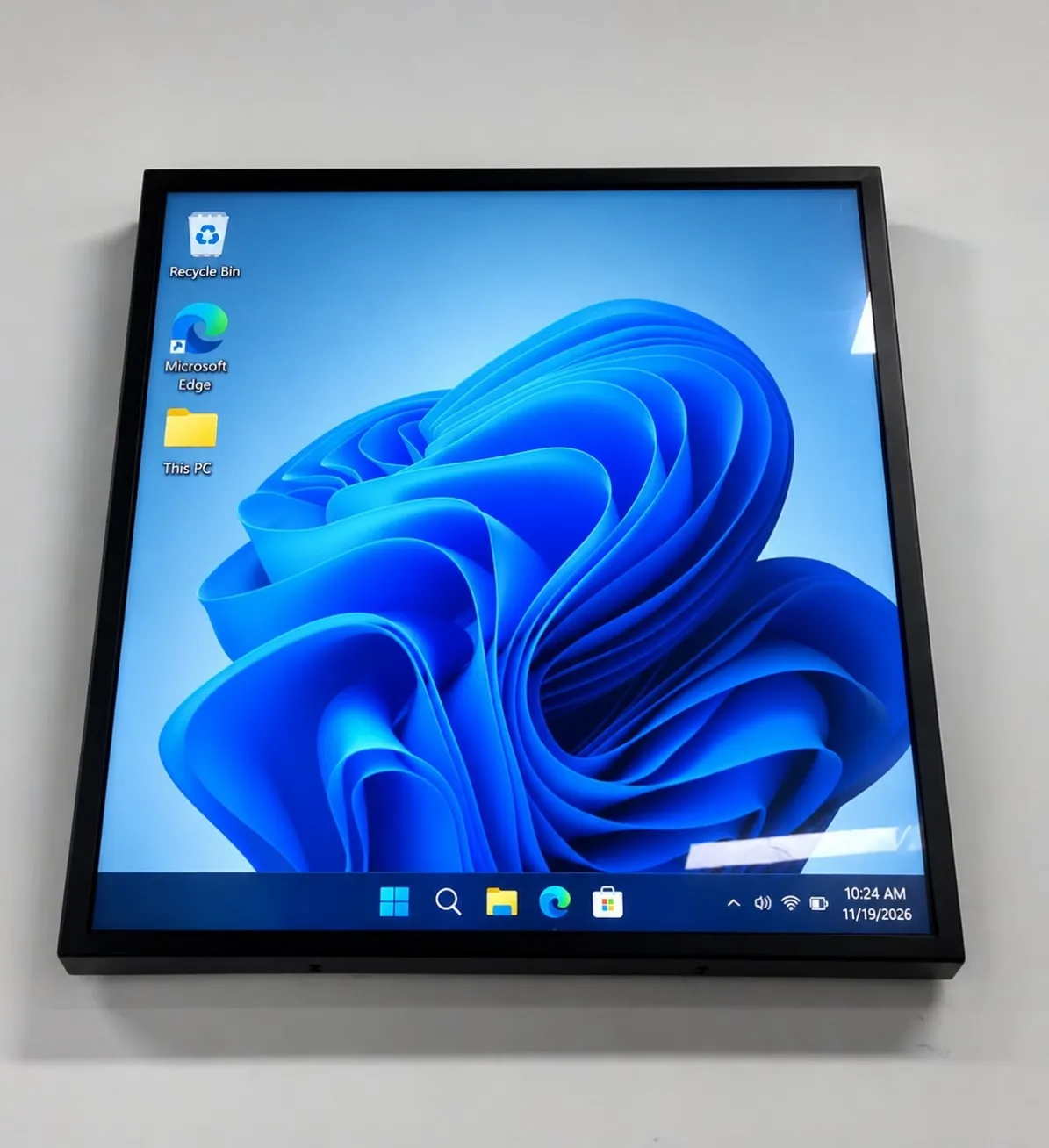
ZXT LCD lists both Android and Windows configurations in its square LCD display range. The recommended 33.3-inch square display on the homepage is listed with Android on its product detail page. When purchasing different configurations of the same screen size, check the quotation and delivery list separately.
If the Main Purpose Is Content Playback, Test Your Media First
For brand posters, photos, or video playback, start by testing the Android configuration with a real content list.
Check whether the images display in the correct square format, whether the screen enters the required playback mode after startup, and whether on-site staff can update content using the planned procedure.
For projects involving multiple people, also decide in advance who prepares the images, who approves them, and who is responsible for playback testing.
For example, if an exhibition hall plans to play a series of artworks every day, the acceptance test can involve playing the entire sequence on a sample unit and restarting the device once. Check the photo proportions, transitions between images, and whether the display returns to the agreed presentation state after restarting.
If You Need Specific Business Software, Test the Software First
For device control terminals, internal information terminals, or self-service projects with an existing Windows client, provide the software name, version, and operating requirements to the supplier first.
Based on the required computing hardware and peripherals, confirm whether the appropriate Windows configuration is needed or whether the square display can connect to the customer's existing computer.
For interactive applications, use the actual software to complete the full process: startup, entering the required function, performing an operation, and exiting or returning to the previous state.
Check the interface using the screen's actual dimensions and proportions, especially pop-up windows near the corners and buttons at the bottom of the screen.
If barcode scanners, printers, or other devices are involved, test their connections and drivers with the actual peripherals.
Include Sample Test Results in the Delivery Requirements
We recommend clearly specifying the operating system version, playback or business software, computer supply arrangements, required interfaces, and expected startup behavior.
If the customer already has a computer, provide its actual output method and target display format so that the display and computer teams can test the setup against the same requirements.
When requesting a quotation from ZXT LCD, you can provide a representative poster, video, or application screenshot, together with a list of software and peripherals that must be supported.
If the square display will be installed inside a cabinet, you can also refer to our article, What Space Should Be Reserved in the Design for a Square LCD Display Used as an Equipment Panel?