News & Insights
Shelf-Edge Stretched LCD Site Survey Checklist: What to Photograph, Measure, and Ask
A shelf may look like it has plenty of space from the front, but a closer inspection may reveal support posts dividing the shelf into several sections, with hooks and promotional signs
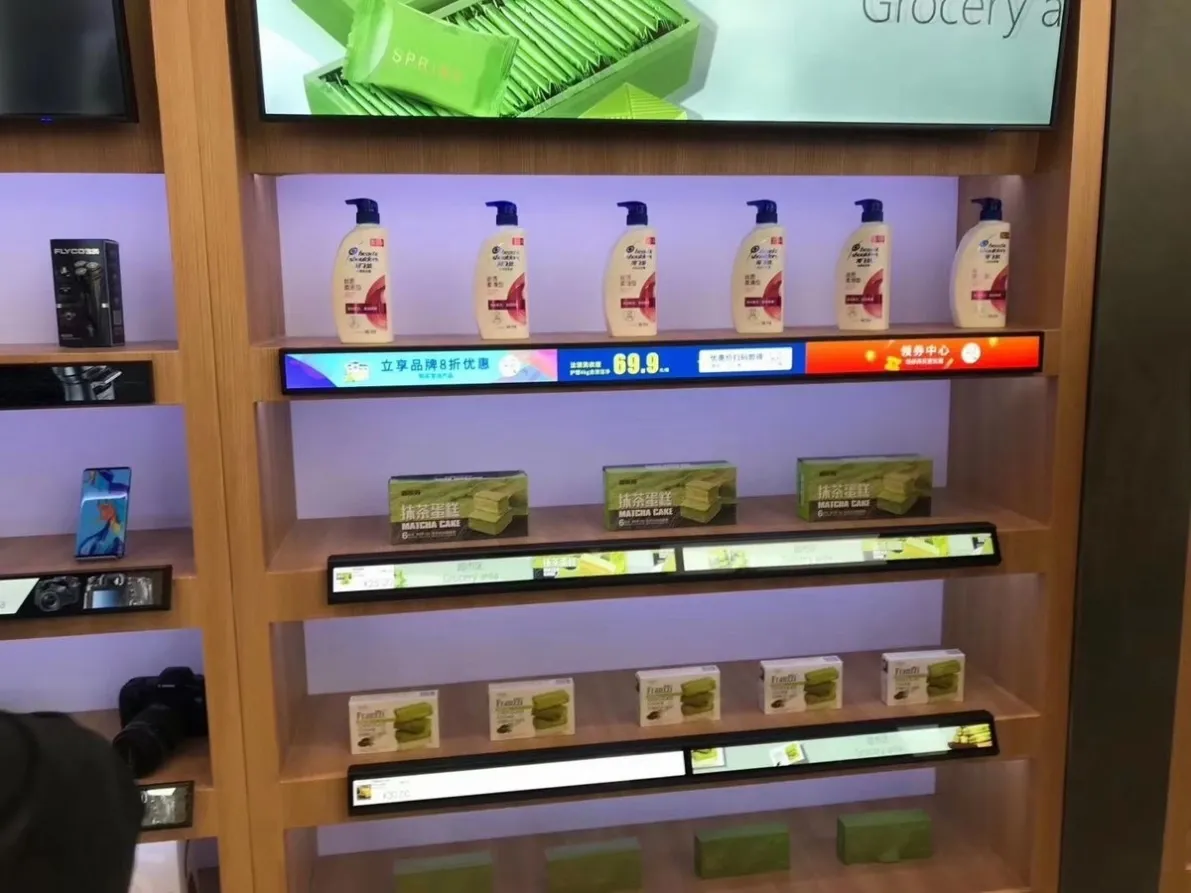
A shelf may look like it has plenty of space from the front, but a closer inspection may reveal support posts dividing the shelf into several sections, with hooks and promotional signs at the ends. Providing only the total shelf width makes it difficult for suppliers to determine the available screen length for each section or whether the connectors can fit.
When surveying a site for stretched LCD displays, document the photos and measurements of an actual shelf, then count how many shelves in the store share the same structure.
Take Three Photos First
- Full Front View
Photograph the entire shelf, including the support posts, the shelf where the display will be installed, and the products underneath. Mark any price tag holders, dividers, or promotional signs that need to remain.
- Close-Up Side View
Photograph the installation position from the side. This shows whether the shelf beam has a flat, angled, or folded surface, and whether the installed screen will protrude into the aisle.
If store staff need to pull out product trays from the same position, take another photo with the tray extended.
- Cable Routing Direction
Photograph the planned cable route from the screen position along the shelf beam toward the support post, and mark the nearest power supply point.
If the power source is elsewhere, indicate the expected cable route and which areas are available for wiring.
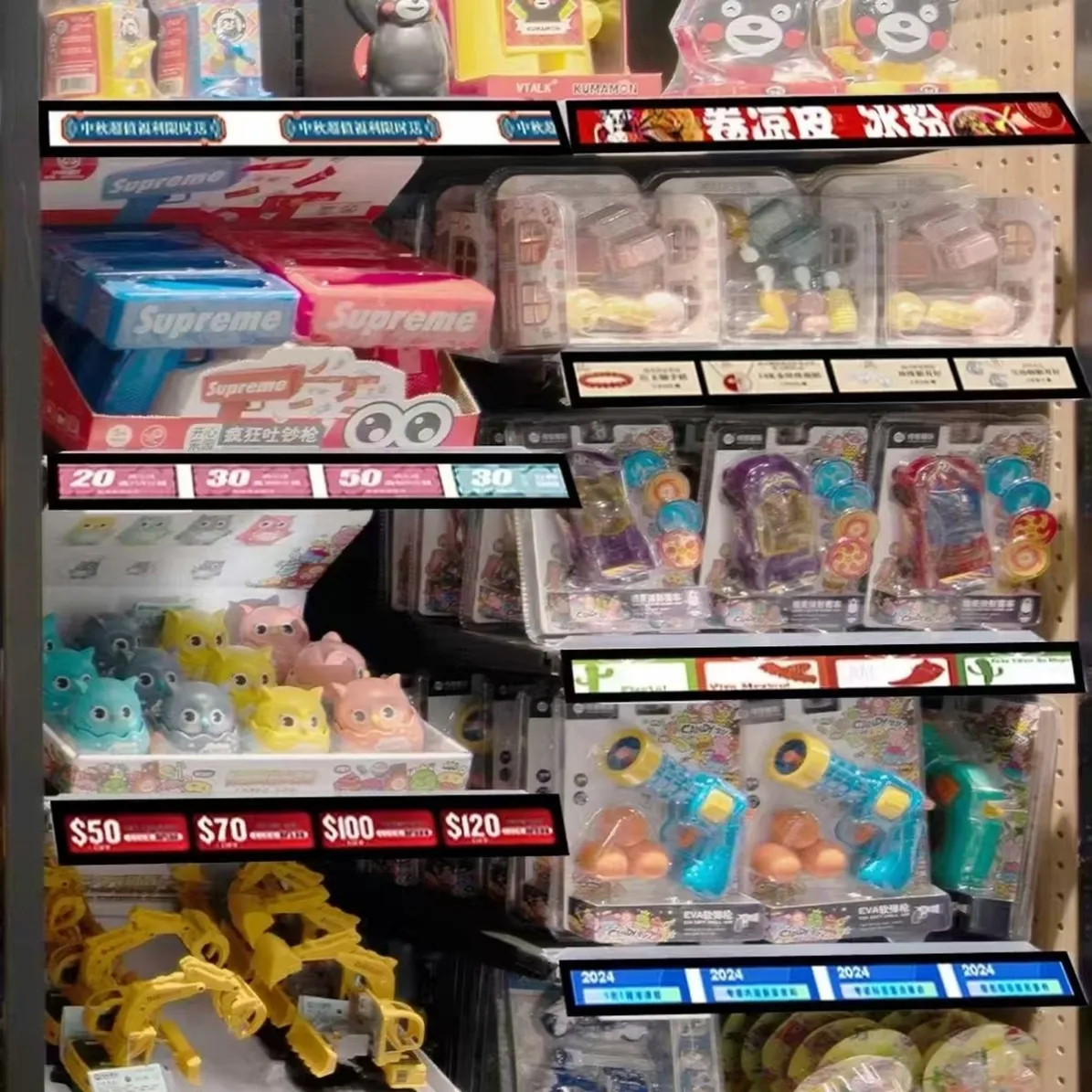
Record Clearances and Obstructions on the Same Drawing
First, measure the available clear width between obstacles on both sides. If there are support posts, connectors, or other protrudingcomponents in the middle, record each usable section separately.
Then measure the available height and depth at the screen installation position. Mark anything that may affect installation, such as limited space near a support post or a raised edge on the front of the shelf beam.
If multiple screens will be installed along the same shelf, also record product groupings and divider positions. This helps determine whether the screen sections can align with the product displays.
If store staff frequently move dividers or adjust shelf heights, include this information in the survey records to evaluate whether the screens can accommodate future layout changes.
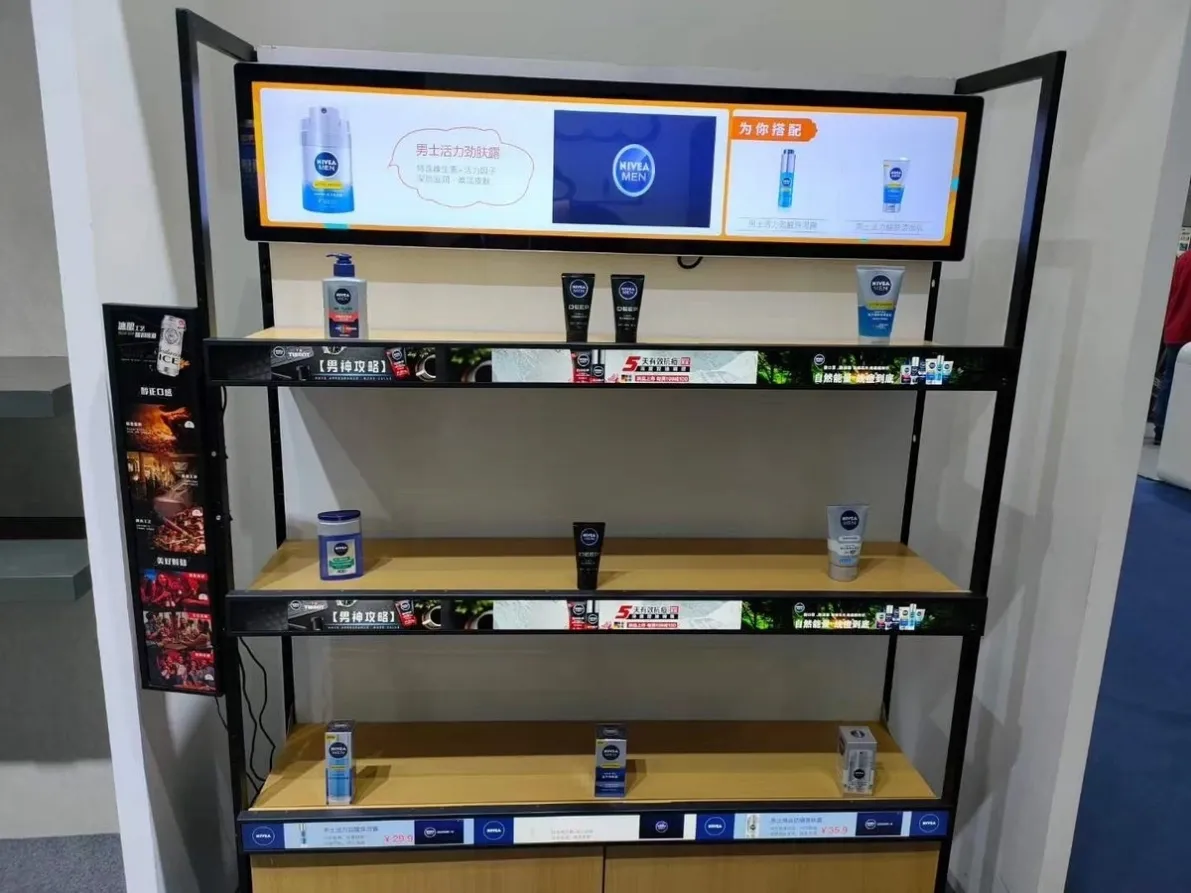
Identify Which Shelves Can Share the Same Configuration
For chain stores, group installation locations according to shelf structure.
Take one representative set of photos for each shelf type and record the number of stores and the quantity required at each store.
Record end displays, temporary promotional shelves, and shelves with special beam structures separately.
For pilot installations, prioritize one common shelf type with the largest quantity, followed by one shelf with the most limited installation space. The first helps verify whether the solution can be replicated, while the second helps identify installation limitations early.
When requesting a quotation from ZXT LCD, provide front-view photos, side-view close-ups, the available clear dimensions of each section, and the estimated quantity.
If each price needs to correspond to a specific product, also provide a front-view photo of the fully stocked shelf. This helps confirm the screen layout and content arrangement together.