News & Insights
How to Design Content for Square LCD Displays: Three Layouts for Posters, Menus, and Information Boards
Content for square LCD displays often starts with existing materials: a portrait event poster, a landscape digital menu, or an office information graphic. Simply shrinking these
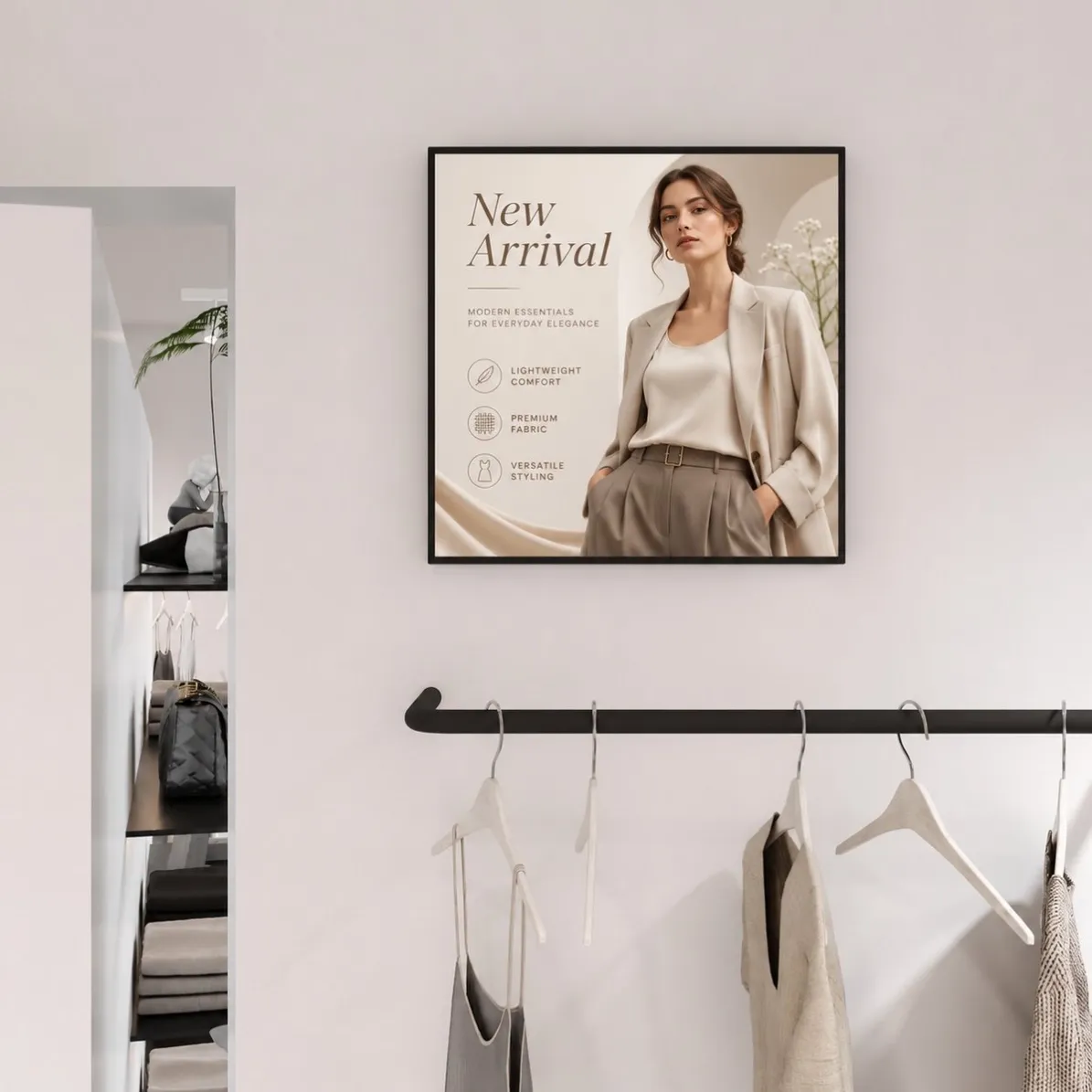
Content for square LCD displays often starts with existing materials: a portrait event poster, a landscape digital menu, or an office information graphic. Simply shrinking these files to fit the screen can leave the main headline too small or spread important prices across different areas.
When adapting content for a square display, first decide what viewers should notice, then redesign the layout to fit the actual screen proportions.
1. Posters: Position the Main Image Before the Headline
When adapting a portrait product poster, separate the main image, headline, event date, and brand logo.
If the product image is vertically oriented, place it on one side and use the other side for the headline and date. If the image works better in the center, place the headline at the top and the date at the bottom.
Try both layouts using the same product image, then choose the one that looks better from the actual viewing position.
Test the design with the longest event title. If the headline is too long, adjust the line breaks without reducing the main image size. For viewers who only stop briefly, the product, event name, and date should have a clear reading order within a single screen.
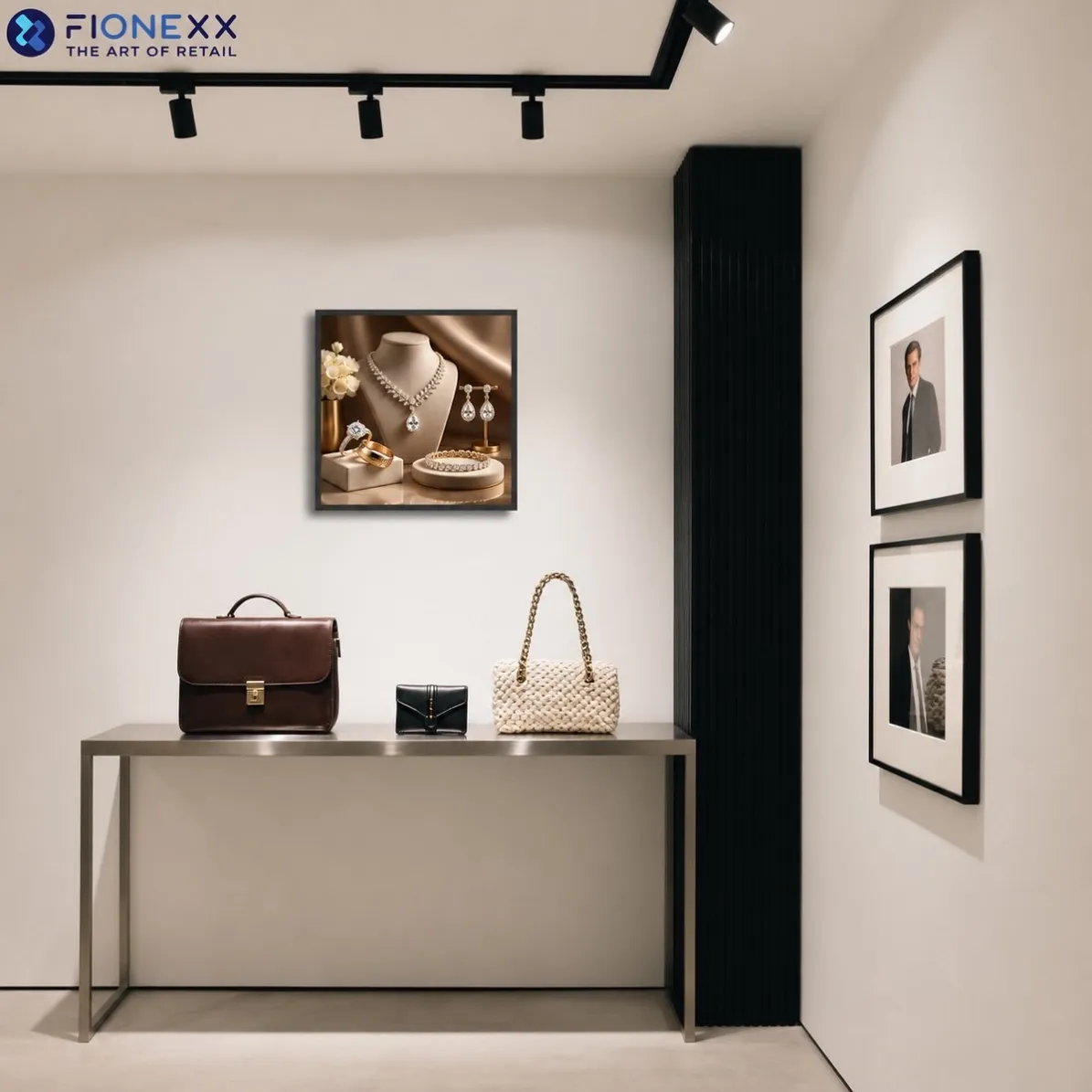
2. Menus: Keep Dish Names and Prices Together
If customers need to compare several food categories, organize the menu into clear groups. Keep the positions of dish names, prices, and descriptions consistent within each category.
If you want to promote a particular meal set, give its food image the main display area and place the price and set details nearby.
Test the layout with the longest dish name, a price containing decimal places, and the largest number of available options. Customers should be able to find the price immediately after reading the dish name.
If everything does not fit, divide the menu into separate pages for breakfast, lunch, or different food categories.
For rotating menus, test the playback on-site to make sure customers have enough time to read each page before it changes.
3. Information Boards: Leave Room for Frequently Updated Content
Meeting schedules, event times, and floor information often need regular updates.
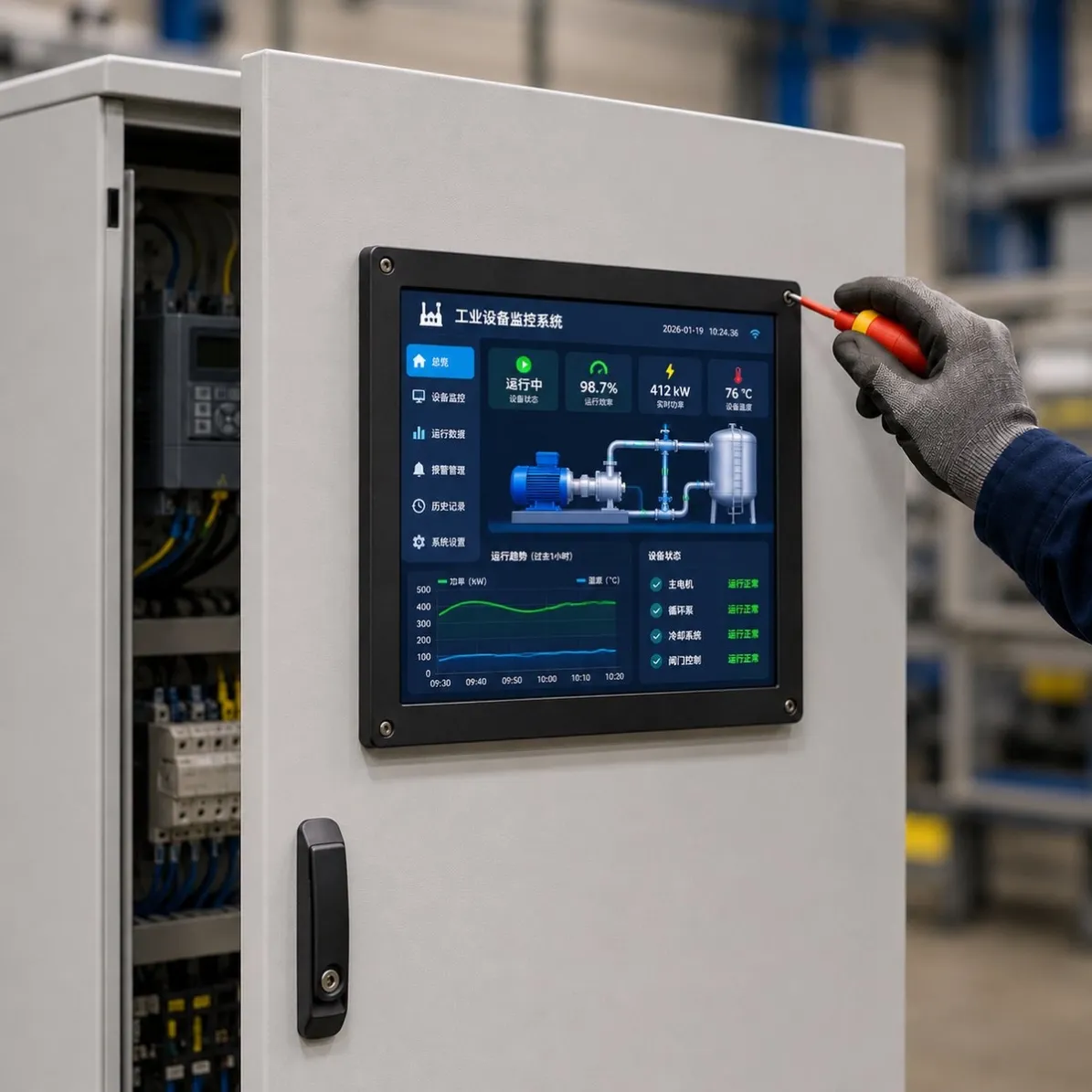
For square information boards, keep the positions of dates, locations, and status information consistent, while allowing event names to wrap onto multiple lines. This helps maintain alignment even when longer meeting titles are added.
During testing, include the busiest schedule of the day and simulate a cancellation or rescheduled event. First, check whether important changes can be found quickly. Then make sure adding another line does not push information at the bottom outside the visible area.
Final Content Testing
Before delivery, create the canvas using the actual pixel dimensions of the selected display and test it with the intended playback device.
A test image with border lines and corner markers can help identify scaling, cropping, and positioning problems.
When contacting ZXT LCD, providing your existing poster, menu, or information board samples also makes it easier to discuss layouts based on the actual display area.
For price and product alignment on narrow horizontal screens, see our article: How to Create Content for Shelf-Edge Stretched LCD Displays?