News & Insights
How to Design Content for Round LCD Displays: Safe Zones, Animation, and Clock Layouts
When designing content for a round LCD display, start with a test image. Add concentric circles, center crosshairs, and positioning markers at the four directions.
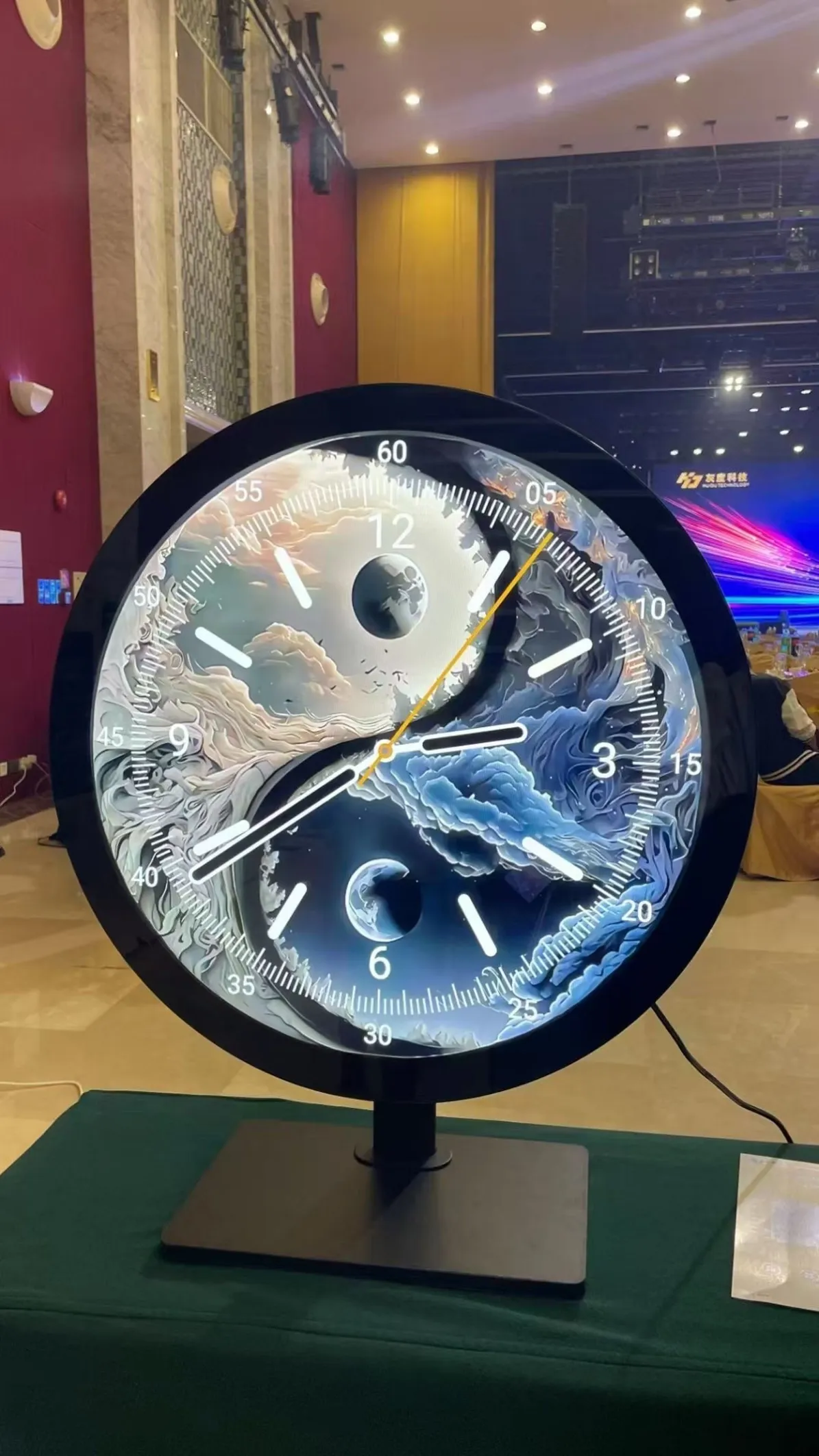
When designing content for a round LCD display, start with a test image. Add concentric circles, center crosshairs, and positioning markers at the four directions. Then play it on a sample unit using the actual media player.
This makes it easier to check alignment, scaling, and edge cropping before defining the content safe zone.
Determine Where Important Content Should Be Placed
If the playback file uses a rectangular canvas, create a circular mask in your design software that matches the actual visible display area. Keep the mask visible while designing, then export the file according to the project's playback requirements.
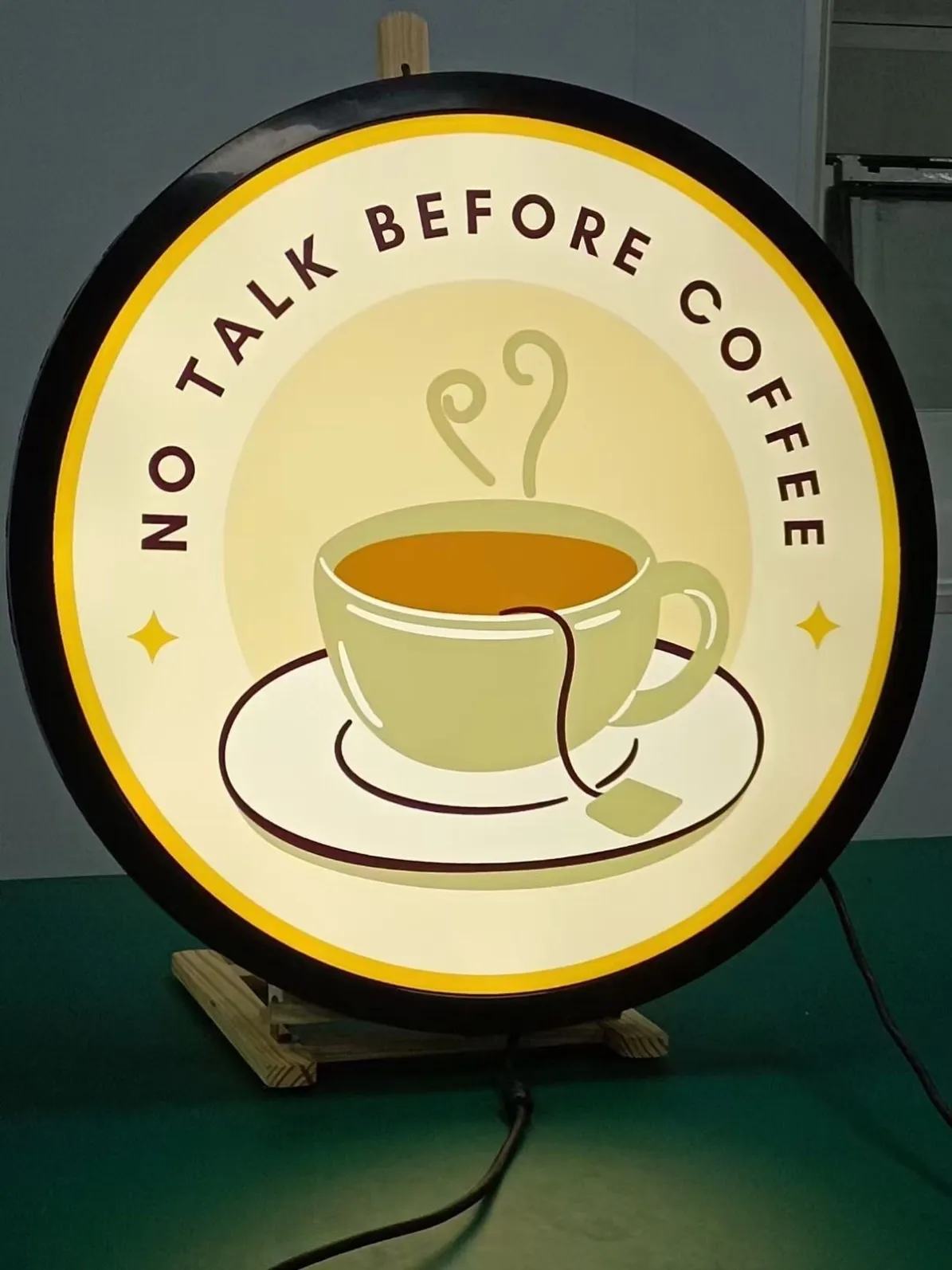
Pay particular attention to logos, long headlines, and important numbers, especially near the top and bottom of the screen. The visible area becomes narrower toward the sides of a circle, so even centered text may have its ends cropped.
The safe zone can be divided into two areas:
Central area: For information that must remain clearly visible, such as brand logos and product names.
Outer area: For colors, textures, and decorative graphics.
The appropriate margins depend on the sample display's visible boundaries, content layout, and actual viewing position.
Check Animation Frame by Frame
When a product image rotates into view from the edge, some frames may cut off details such as a bottle cap, car wheel, or logo.
Check the entrance, display, and exit stages of the animation separately. Headlines and numbers that need to be read should remain on screen long enough, while decorative elements can move along the circular edge.
For looping animations, play several consecutive cycles and check for sudden brightness changes, black flashes, or unexpected jumps in the main subject when the animation restarts.
For brand animations viewed from a distance through a shop window, first use a static image to confirm that the logo is readable before adding movement.
For Clock Displays, Align the Center and Markers First
First, align the clock hands with the center point. Then check whether the markers at the 12, 3, 6, and 9 o'clock positions are clearly visible.
Finally, check whether the thinnest hand can still be distinguished from the main viewing distance.
If the display needs to show the actual time, run the playback device before delivery to verify time synchronization and behavior after restarting.
For decorative clock animations, focus on smooth movement and natural looping.
When submitting a round LCD display project to ZXT LCD, include a static main image and a short animation sample, clearly indicating which elements must remain fully visible.
This makes it easier to evaluate cropping and viewing performance during sample testing.