Oct 12, 2026Buying Guides
Setting 4K Square Picture Frame Screen Resolution: A Practical 1:1 Aspect Ratio Guide
Deploying an advanced <strong>Square Picture Frame Screen Resolution</strong> provides commercial venues with a distinct, form-factor-optimized dig...
Square Picture Frame Screen Resolution: How to Set Video and Image Resolution for a 4K HD Square Picture-Frame Screen — Should It Follow the Display Area's 1-to-1 Ratio
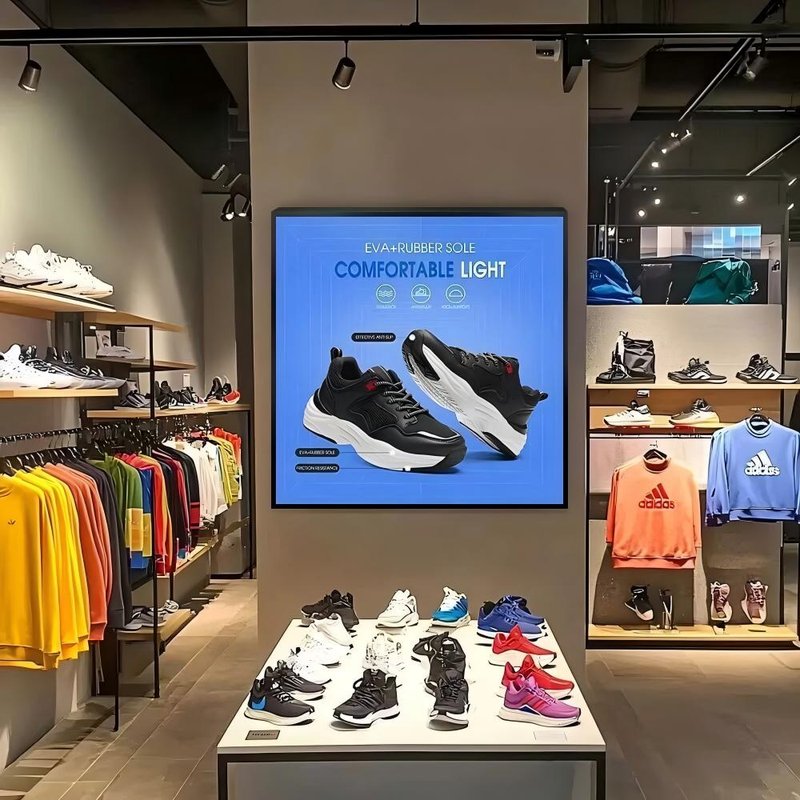
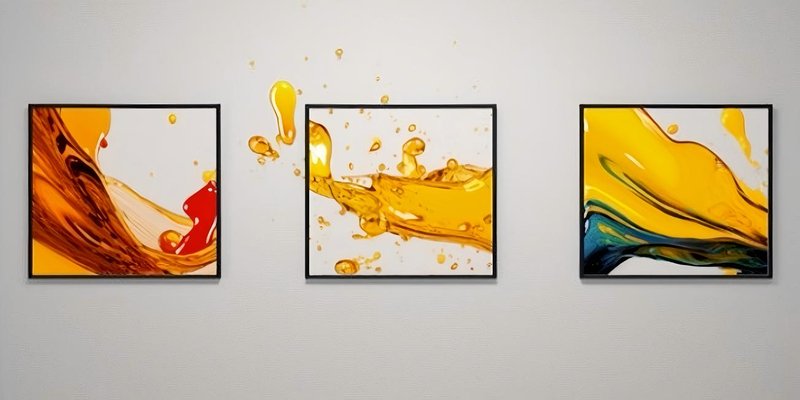
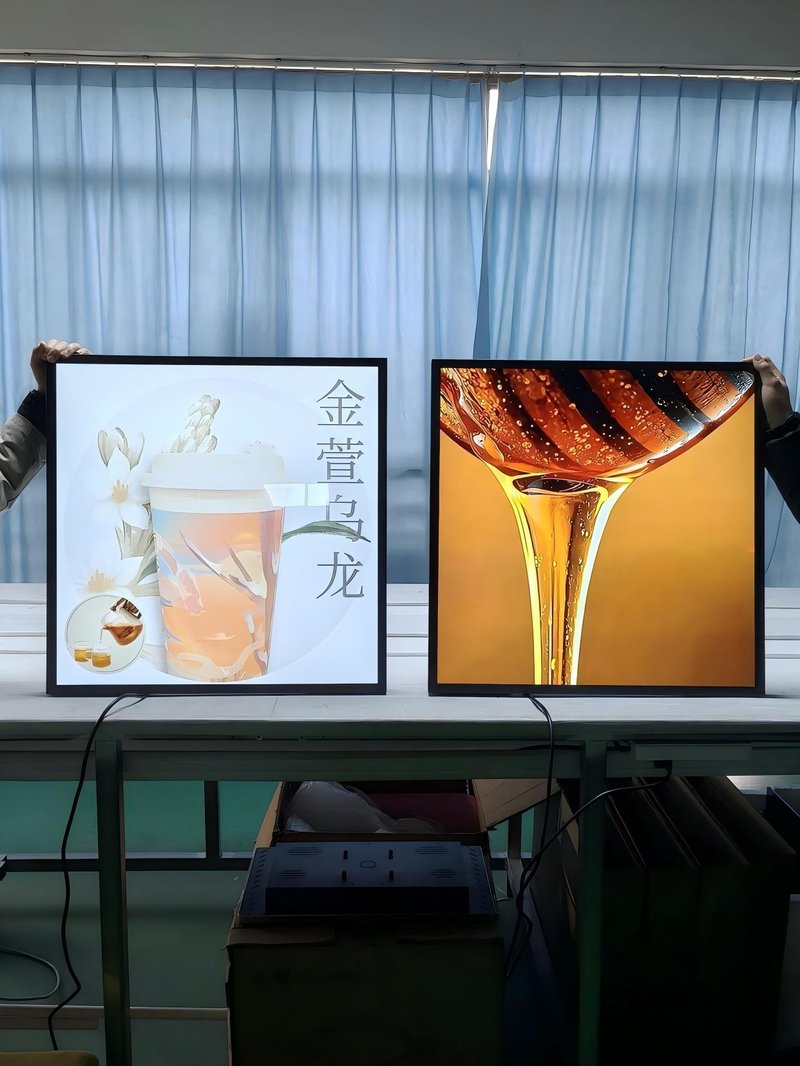
Deploying an advanced Square Picture Frame Screen Resolution provides commercial venues with a distinct, form-factor-optimized digital signage solution. With its unique 1:1 aspect ratio and ultra-high-definition resolution, the 4K HD square picture-frame screen is an ideal choice for art display, commercial windows, and high-end home settings. Unlike a conventional 16:9 screen, its display area demands that content be tailored strictly to the square ratio; otherwise the picture may stretch or black bars may appear. This article systematically explains the core logic and the operating procedure for resolution settings.
1. Core Principles of Resolution Setting
Hardware parameter matching: The standard resolution of a 4K HD square picture-frame screen is 3840×3840 pixels, but actual products may come in finer-grained variants due to technical differences. Use the screen's menu keys or the system settings (for example, right-click "Display settings" in Windows, or "System Preferences - Displays" in macOS) to check which 1:1 resolution options the device supports, and always pick a natively supported resolution to avoid the image-quality loss caused by interpolation.
Content aspect-ratio adaptation: The incoming content must exactly match the screen's 1:1 ratio. If the source material is 16:9 or 4:3, it has to be reworked in post-production software. When editing in Final Cut Pro, for example, create the project at 1080×1080 or 3840×3840, then use the video layout tools to adjust the scaling so that key compositional elements are not cropped.
2. Resolution Setting Procedure
Device-side settings — TV/monitor: open the "Display settings" menu and select the 3840×3840 resolution (if supported). Computer connected externally: after connecting an HDMI 2.1 cable, enable the "Ultra HD 4K" option in the graphics driver panel and switch on HDR at the same time for richer color.
Content-side adjustment — Video production: when creating a new project in Final Cut Pro, enter 3840×3840 manually under the "Project Settings - Video" tab; on export, choose H.264 encoding and check "Maximum render quality". Image processing: create a 3840×3840-pixel canvas in Photoshop and use the "Content-Aware Scale" tool to resize non-critical areas, rather than stretching the image directly and distorting it.
Solutions to Common Problems
1. Picture not fully displayed: check whether the playback device is forcibly stretching the picture, turn off "overscan" in the TV settings, and make sure the playback software has not enabled non-proportional scaling.
2. Abnormal colors: open "color space management" in the screen's menu, select the DCI-P3 or Adobe RGB mode, and carry out professional calibration with a colorimeter.
3. Signal-source limitation: if the playback device outputs only 1080p, enable the "pixel-to-pixel mapping" function in the screen settings to avoid a downgrade in picture quality.
Optimization Tips
1. Dynamic content: 4K video files are large, so it is advisable to use HEVC encoding with hardware-accelerated decoding to reduce CPU load.
2. Static display: high-precision images can be layered with an 8K resolution layer, and the screen's "super-resolution enhancement" algorithm will bring the output to 4K-level sharpness.
3. Environment matching: set screen brightness to suit the installation site (a shop-window installation, for instance, should be above 500 nits) and enable the "anti-glare coating" to reduce interference from ambient light.
With hardware parameters and content formats precisely matched, the 4K HD square picture-frame screen can make full use of its high pixel density and geometric elegance, delivering an immersive visual experience for commercial spaces, art exhibitions, and high-end homes. In conclusion, adopting a high-performance Square Picture Frame Screen Resolution elevates visual merchandising impact, enhances customer engagement, and maximizes commercial display efficiency.
Looking for customized Square Picture Frame Screen Resolution solutions, ultra-wide stretched bar LCD displays, or round digital signage hardware? Feel free to contact the ZXTLCD engineering team for technical specifications, product samples, and tailored volume pricing.