Oct 22, 2026News & Insights
Troubleshooting Driver-Board Faults in Smart Shelf Bar Displays
When a smart shelf display shows no image, distorted color, corrupted graphics, or a missing section, the driver board is one possible cause—but not the only one. Power, source timing,...
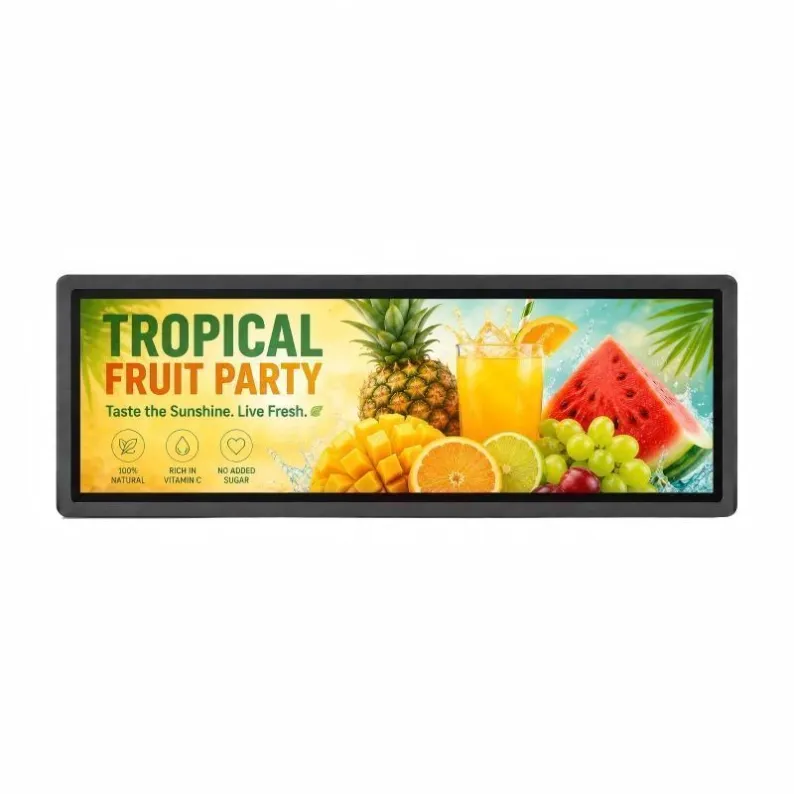
When a smart shelf display shows no image, distorted color, corrupted graphics, or a missing section, the driver board is one possible cause—but not the only one. Power, source timing, cables, panel connections, and the LCD itself should be isolated systematically.
Start with the Symptom
Black Screen
Confirm whether the unit has power, whether the backlight is on, and whether a faint image is present. Test the supply voltage under load and verify the signal source, input selection, and cable before replacing the driver board.
Corrupted Image or Abnormal Color
Check the source resolution and refresh rate, then inspect HDMI, DisplayPort, LVDS, or eDP connections as applicable. Incorrect panel parameters, loose ribbon cables, poor grounding, or a failing timing circuit can all create color shifts and unstable graphics.
Part of the Image Is Missing
A fixed missing band may be related to the panel cable, timing controller, gate or source driver, or physical panel damage. If the defect stays in exactly the same location with a known-good source and board, the panel assembly becomes more likely.
Practical Repair Principles
Record voltages, connector positions, firmware versions, and panel identifiers before changing anything. Substitute only known-compatible parts; a board that looks identical may use different panel timing or backlight settings. Inspect for overheated components, swollen capacitors, corrosion, cracked solder joints, and damaged connectors.
After repair, test cold start, extended playback, color patterns, multiple inputs, and network content operation. Smart shelf displays often run for long periods in confined spaces, so ventilation and power quality should be reviewed alongside the failed component. Qualified technicians should handle exposed power circuits and delicate panel connections.
Separate Controller Symptoms From Panel Symptoms
A driver-board problem may affect the whole picture, the accepted input formats, startup behavior, or communication with the media player. Panel-related faults are more likely to remain fixed in the same physical area, although the symptoms can overlap. Check whether the on-screen menu appears correctly, whether another input behaves differently, and whether the fault changes after a controlled restart.
Do not assume that a corrupted image proves the main board has failed. Incorrect resolution, unstable power, damaged cables, loose connectors, firmware mismatch, or a timing-board issue can create similar results. A known-good source and cable provide a safer first comparison than replacing internal parts.
Document Before Replacing a Board
Record the original board number, firmware version, connector positions, input configuration, panel model, and symptom before disconnecting anything. Replacement boards that look similar may use different panel voltages, pin definitions, backlight control, or firmware. Installing an unverified board can damage the panel or create a second fault.
After replacement, test native-resolution content, all required inputs, automatic startup, backlight control, temperature, and several power cycles. Preserve the original part until the repair is confirmed. If the screen is completely dark rather than corrupted, follow the black-screen diagnostic path first.
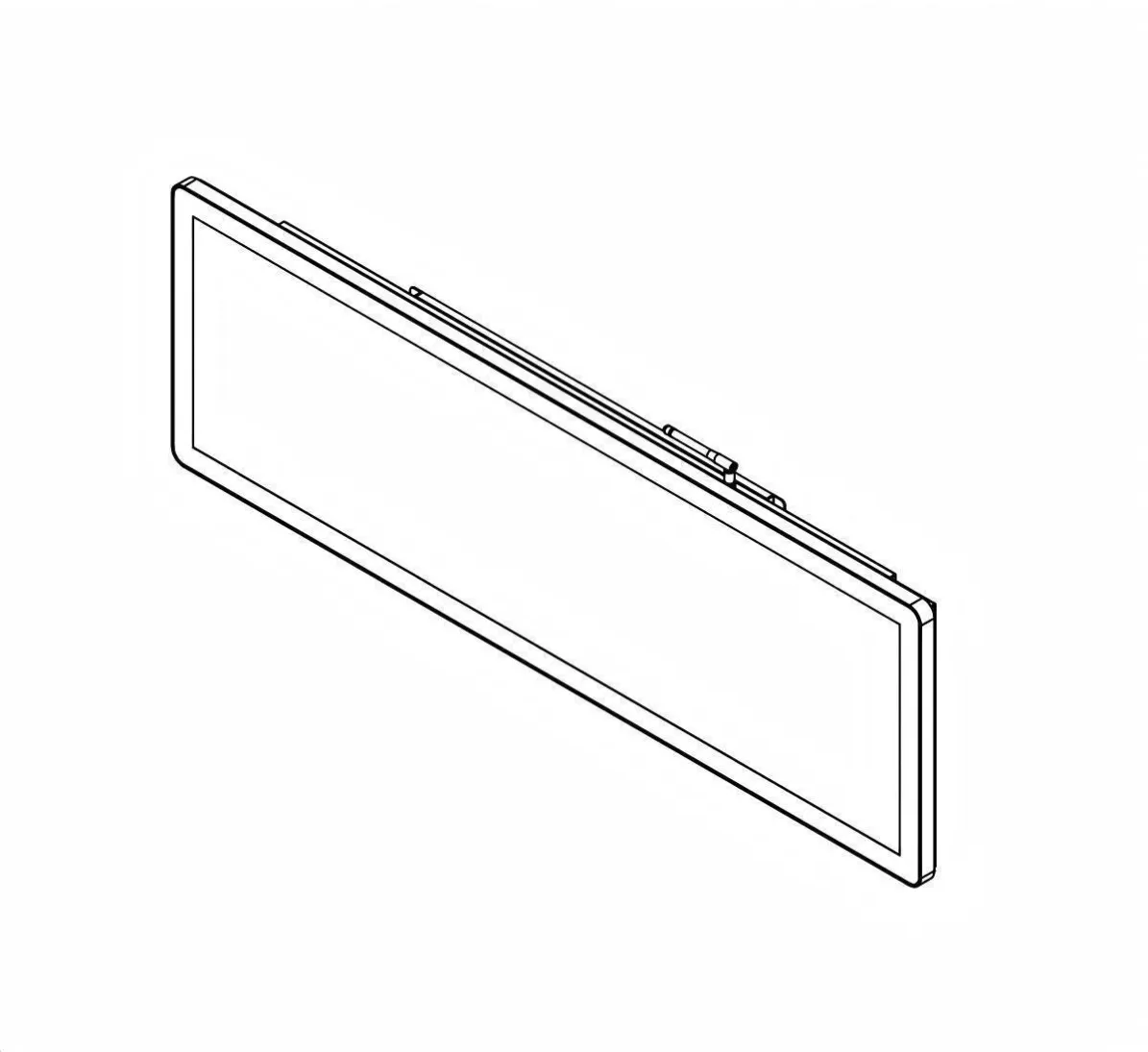
Featured Smart Display Hardware: Explore our flagship 49.5" Ultra-Wide Stretched Bar LCD Monitor with PCAP Touch, 29" Stretched Bar LCD Touchscreen Display, and 37.5" Stretched Bar LCD Screen for retail merchandising and transit passenger information.