Oct 22, 2026News & Insights
Slim Screens, Bigger Possibilities: Where LCD Bar Displays Create Value
Explore how slim LCD bar displays turn narrow, overlooked spaces into useful channels for retail communication, transport information, wayfinding, and equipment interfaces.

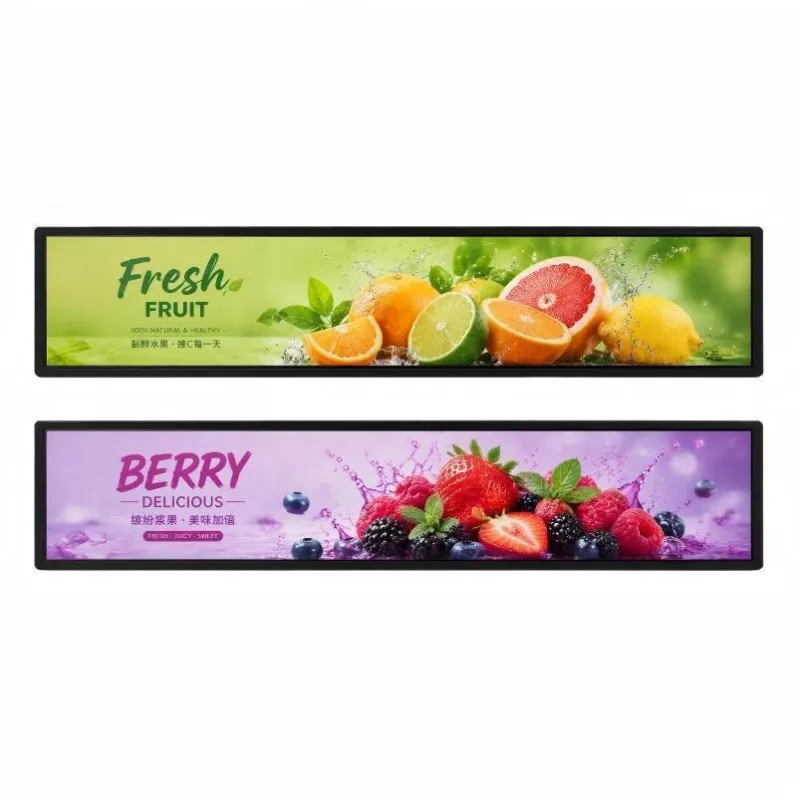
Most digital signage is designed around the familiar rectangle. That works well on an open wall, but many commercial environments do not have a large, empty surface waiting for a screen. Shelves, door headers, ticket gates, equipment panels, vehicle interiors, and service counters all contain long, narrow areas that conventional displays cannot use efficiently. LCD bar displays turn those overlooked spaces into practical digital communication channels.
Their value is not simply a different shape. A stretched canvas allows information to sit closer to the product, route, machine, or decision it supports. When the display dimensions, brightness, content resolution, mounting system, and control platform are selected together, a slim screen can deliver more useful communication without making the environment feel crowded.
Shelf-Edge Communication at the Point of Decision
In supermarkets, pharmacies, electronics stores, and specialty retail, the shelf edge is where prices, product features, and promotions are compared. Printed strips can show static information, but they are slow to update and provide little room for explanation. A shelf-edge LCD bar display can alternate between price information, product benefits, brand visuals, availability messages, and short promotional sequences while remaining aligned with the merchandise.
The content should be designed specifically for the elongated resolution. Large prices, short phrases, restrained motion, and strong color contrast are easier to read than a conventional landscape advertisement squeezed into a narrow frame. Central content management can also coordinate changes across departments or locations, reducing the risk that the screen and the physical shelf show different campaigns.
Wayfinding and Passenger Information
Transport environments contain many narrow mounting positions above doors, along platforms, and inside vehicles. These locations are well suited to route maps, next-stop information, service notices, platform directions, and transfer guidance. A bar format can show a long sequence of stations or directional information without occupying the headroom needed for passengers and equipment.
Transport applications place greater demands on the complete system. Power behavior, vibration resistance, viewing angle, automatic startup, signal recovery, thermal management, and interface compatibility should be reviewed alongside the panel. The content must also prioritize legibility: essential information should remain visible even when animated advertising or secondary notices are displayed.
A Better Fit for Equipment and Industrial Interfaces
Production equipment, control cabinets, fitness machines, and specialized consoles often have wide but shallow interface areas. An ultra-wide LCD can present status indicators, timelines, alarms, operating steps, or process data in one continuous view. This may reduce the need to divide information across several small screens or force operators to scroll through multiple pages.
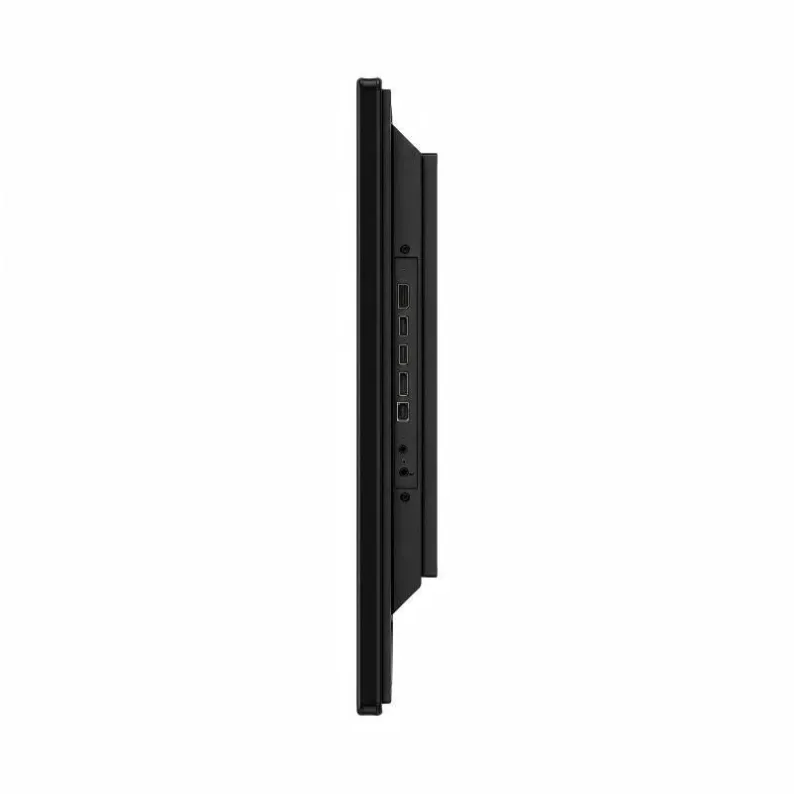
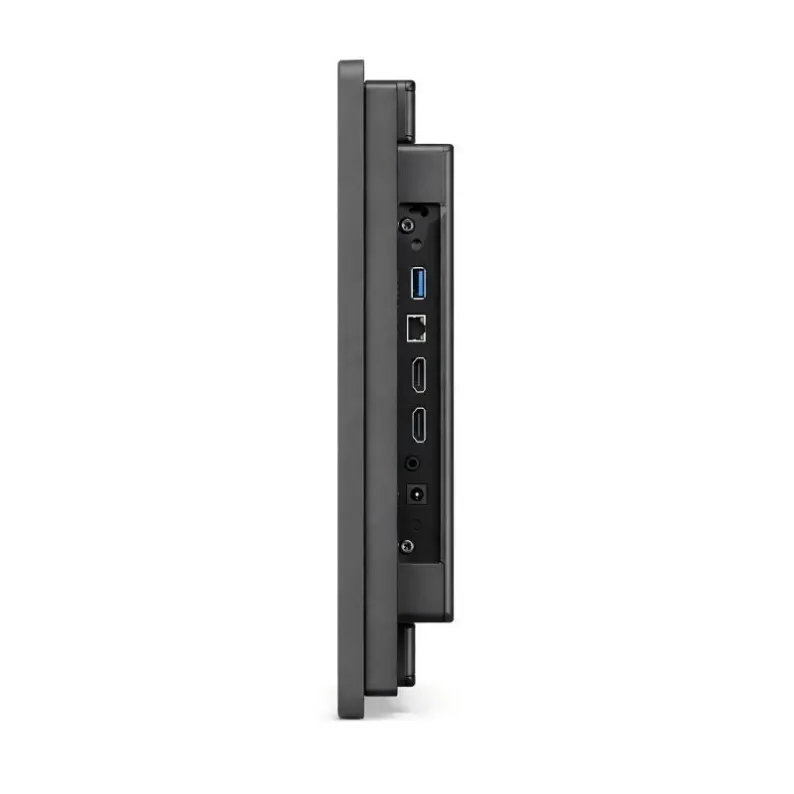
For these environments, a monitor-only configuration with HDMI or another fixed input may be more appropriate than an integrated media player. Designers should confirm the native resolution, signal timing, touch requirements, front protection, operating temperature, electromagnetic environment, and service access before fixing the mechanical opening.
Architectural Signage Without Visual Clutter
Hotels, shopping centers, corporate lobbies, museums, and restaurants often need digital information without allowing a large screen to dominate the interior. A bar display can follow a column, counter, wall recess, doorway, or decorative line. Used carefully, it becomes part of the architecture rather than a separate black rectangle attached after the design is finished.
Brightness and surface treatment should match the lighting. A screen beneath controlled indoor lighting has different requirements from one facing a bright storefront window. Mounting depth, cable routing, ventilation, speaker requirements, and access panels should be coordinated early so the finished installation remains clean and serviceable.
What Turns a Slim Screen Into a Useful System
The most successful application begins with the information task, not the diagonal size. Define who will view the screen, from what distance, for how long, and under which lighting conditions. Then match the active area, resolution, brightness, viewing angle, orientation, player platform, network method, and mounting structure to that task.
Content testing is equally important. Prepare representative artwork at the native pixel dimensions and review small text, motion, color, and image proportions on an actual sample. For deployment planning, our LCD bar display installation and maintenance guide covers ventilation, bracket loading, cable protection, and service access. A well-configured LCD bar display creates value because it makes previously unusable space informative, adaptable, and visually connected to its surroundings.
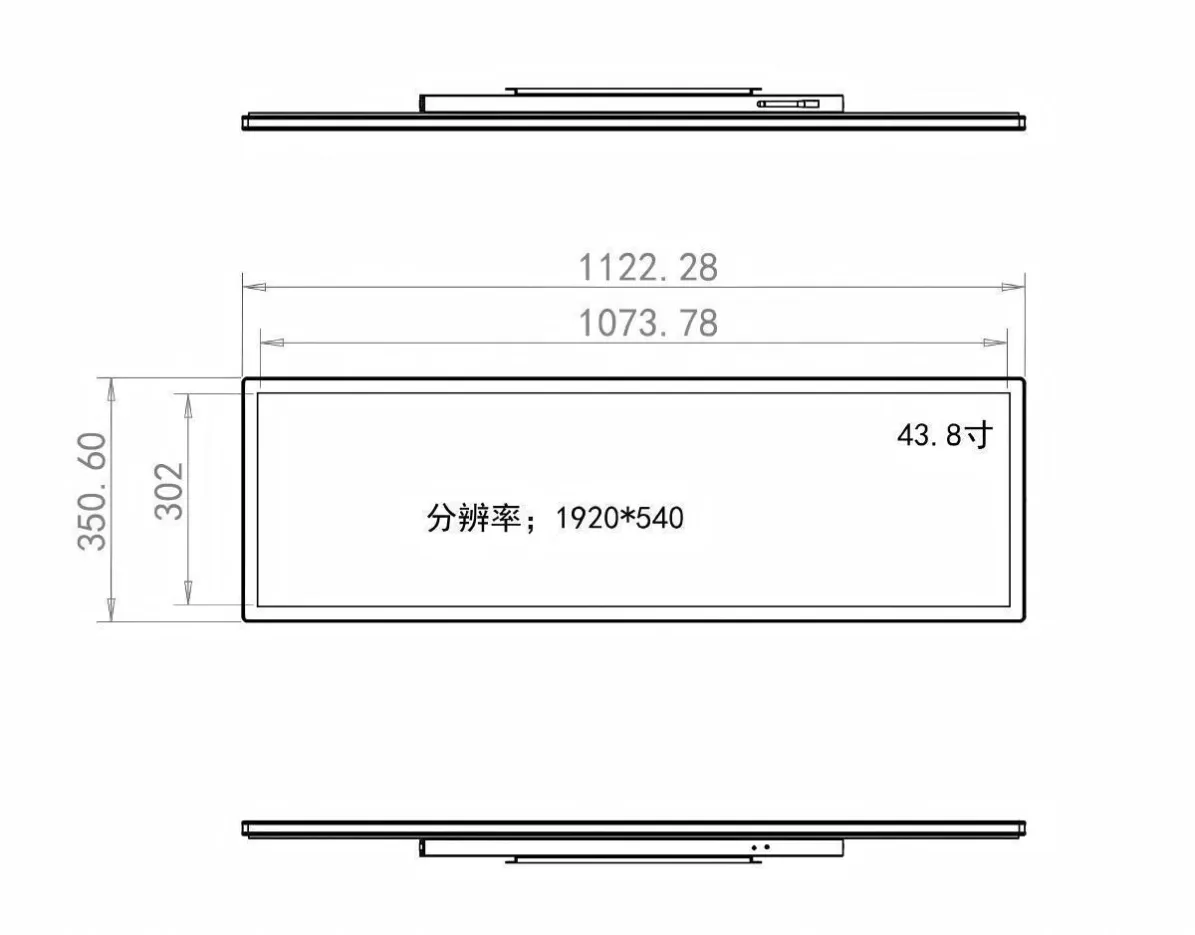
Featured Smart Display Hardware: Explore our flagship 49.5" Ultra-Wide Stretched Bar LCD Monitor with PCAP Touch, 29" Stretched Bar LCD Touchscreen Display, and 37.5" Stretched Bar LCD Screen for retail merchandising and transit passenger information.