Oct 22, 2026News & Insights
Four Practical Uses and Five Key Advantages of LCD Bar Displays
A practical overview of four common LCD bar display applications and five advantages that make the ultra-wide format valuable in commercial and industrial environments.
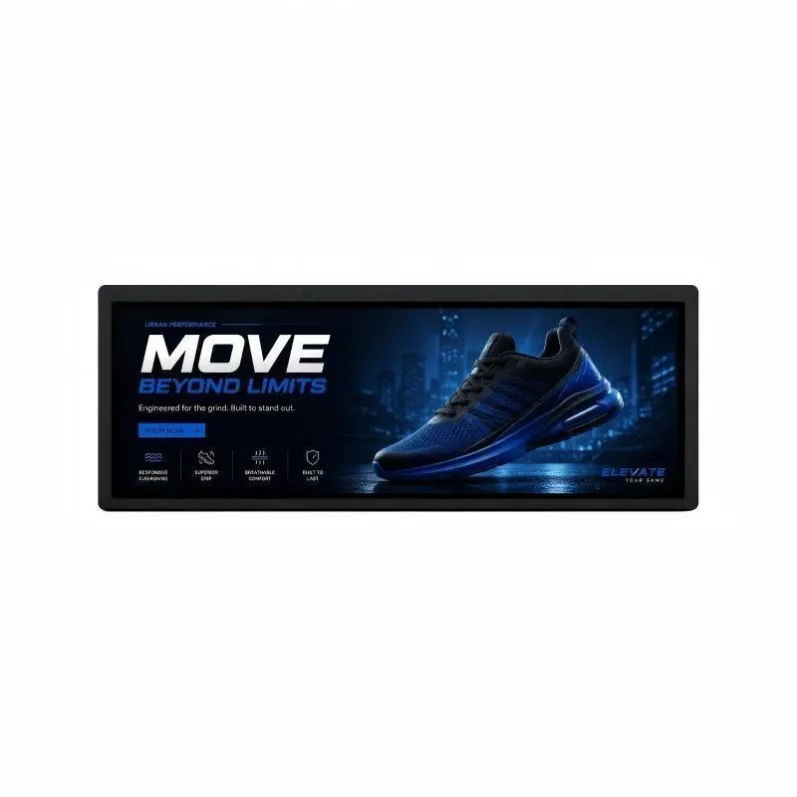
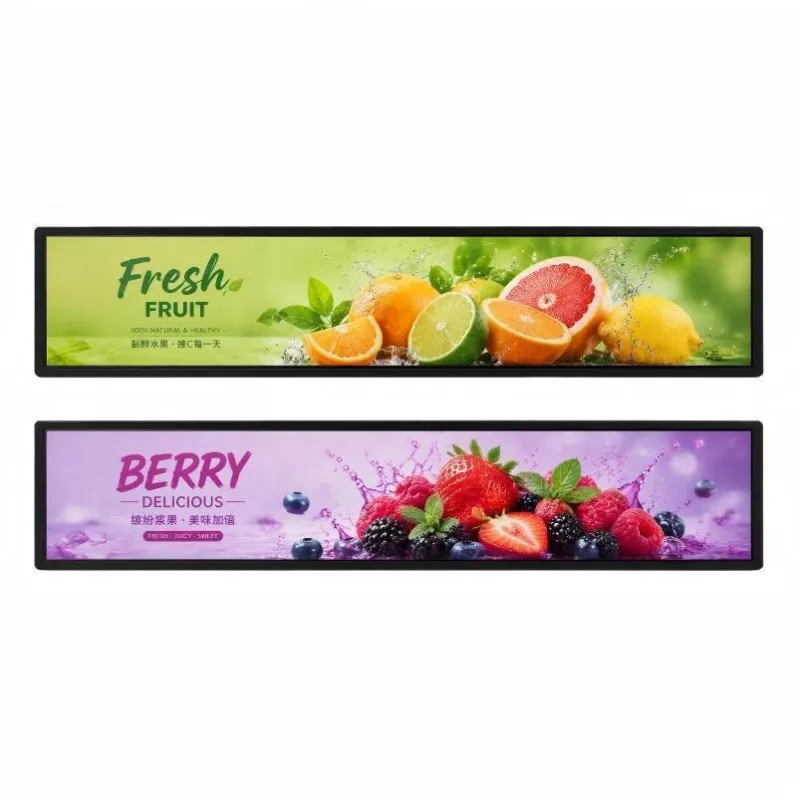
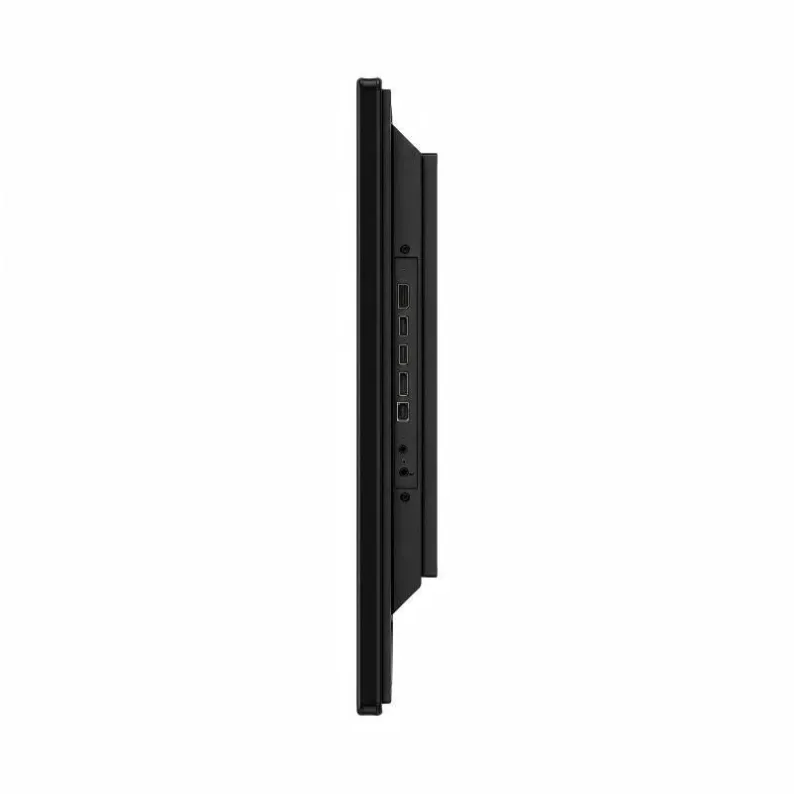
LCD bar displays are designed for locations where a conventional 16:9 screen is too tall, visually intrusive, or poorly aligned with the information being shown. Their elongated active area can follow shelves, headers, equipment openings, vehicle interiors, and architectural lines while retaining the color, motion, and update flexibility of digital signage.
The format is useful only when it solves a real spatial or communication problem. The following applications illustrate where the shape adds value, followed by the operational advantages that should be considered during selection.
Four Practical Uses for LCD Bar Displays
- Digital Shelf Labels and Product Promotion
A bar display installed at the shelf edge places information beside the relevant product. It can show prices, product comparisons, ingredients, usage ideas, stock notices, and short promotional sequences without adding a large freestanding sign. Content can be changed by department, time, campaign, or location when the screen is connected to a suitable management platform.
- Route Maps and Passenger Information
Inside buses, trains, stations, and terminals, long screens can present route progress, the next stop, transfer points, platform directions, and service alerts in a natural horizontal sequence. The slim enclosure fits above doors or along interior panels, preserving passenger space while keeping essential information visible from a wide area.
- Equipment Dashboards and Control Interfaces
Industrial equipment and specialized consoles frequently provide a wide but shallow opening for an interface. An LCD bar monitor can display alarms, production status, timelines, operating steps, or several data zones in a single view. Depending on the system, it can operate as a monitor connected to an external computer or as an integrated Android or Windows unit.
- Architectural Wayfinding and Brand Messaging
Shopping centers, hotels, restaurants, museums, and corporate spaces can use bar displays above entrances, behind counters, inside wall recesses, or along decorative structures. The screen can provide directions, opening information, event schedules, menus, or brand content while following the lines of the interior rather than dominating it.
Five Advantages of the Ultra-Wide Format
- Better Use of Narrow Space
The primary advantage is spatial efficiency. A bar display occupies locations that would otherwise remain static or unused. This is especially valuable where products, doors, machinery, windows, or circulation routes already consume most available wall area.
- Information Appears Closer to the Context
Position affects usefulness. A price displayed next to a product, a route map above a train door, or an alarm placed on the machine interface requires less searching and interpretation. The screen becomes part of the decision point instead of a separate advertising surface elsewhere in the environment.
- Digital Content Can Change Without Reprinting
Video, animation, text, and data can be updated as requirements change. A networked system may support scheduling and centralized publishing, while a simpler installation can use USB or an external player. The correct method depends on screen quantity, update frequency, network conditions, and the need for remote monitoring.
- Flexible Mechanical and Electronic Configuration
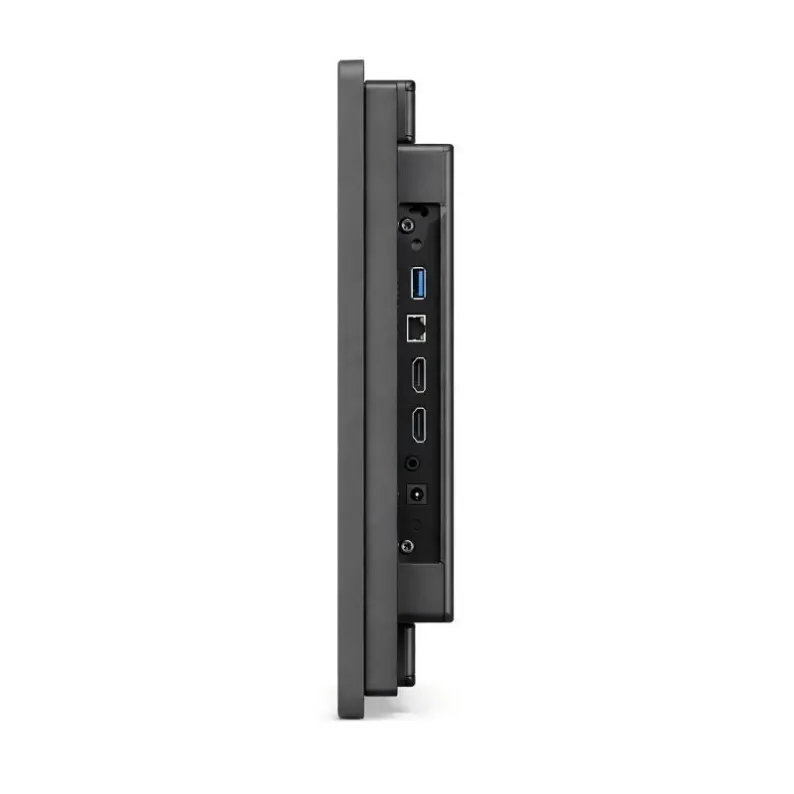
Commercial bar displays can be configured around different sizes, active areas, brightness levels, inputs, operating systems, touch options, mounting methods, and enclosure designs. This flexibility helps the display fit an existing fixture or system, but each option should be confirmed against the environment rather than selected from a feature list alone.
- A Distinctive but Controlled Visual Presence
An ultra-wide screen attracts attention because it breaks the familiar rectangular pattern. At the same time, its reduced height can make it less obstructive than a large conventional display. Carefully designed content can create a continuous visual line across a shelf, counter, corridor, or information panel without overwhelming nearby products or architecture.
Selection Details That Protect These Advantages
The panel’s native resolution should guide content production. Artwork prepared for another aspect ratio may be cropped, stretched, or scaled until text becomes difficult to read. Brightness should reflect ambient light, and the viewing angle should suit the screen height and passenger or shopper position. Long operating schedules also require attention to thermal design, power quality, ventilation, and component access.
Mounting deserves the same attention as image specifications. Confirm the bracket load, orientation, wall or fixture strength, cable routing, ventilation clearance, and maintenance path before installation. For additional planning details, refer to our LCD bar display installation and maintenance guide. When these factors are coordinated, the unusual shape delivers practical value rather than novelty alone.
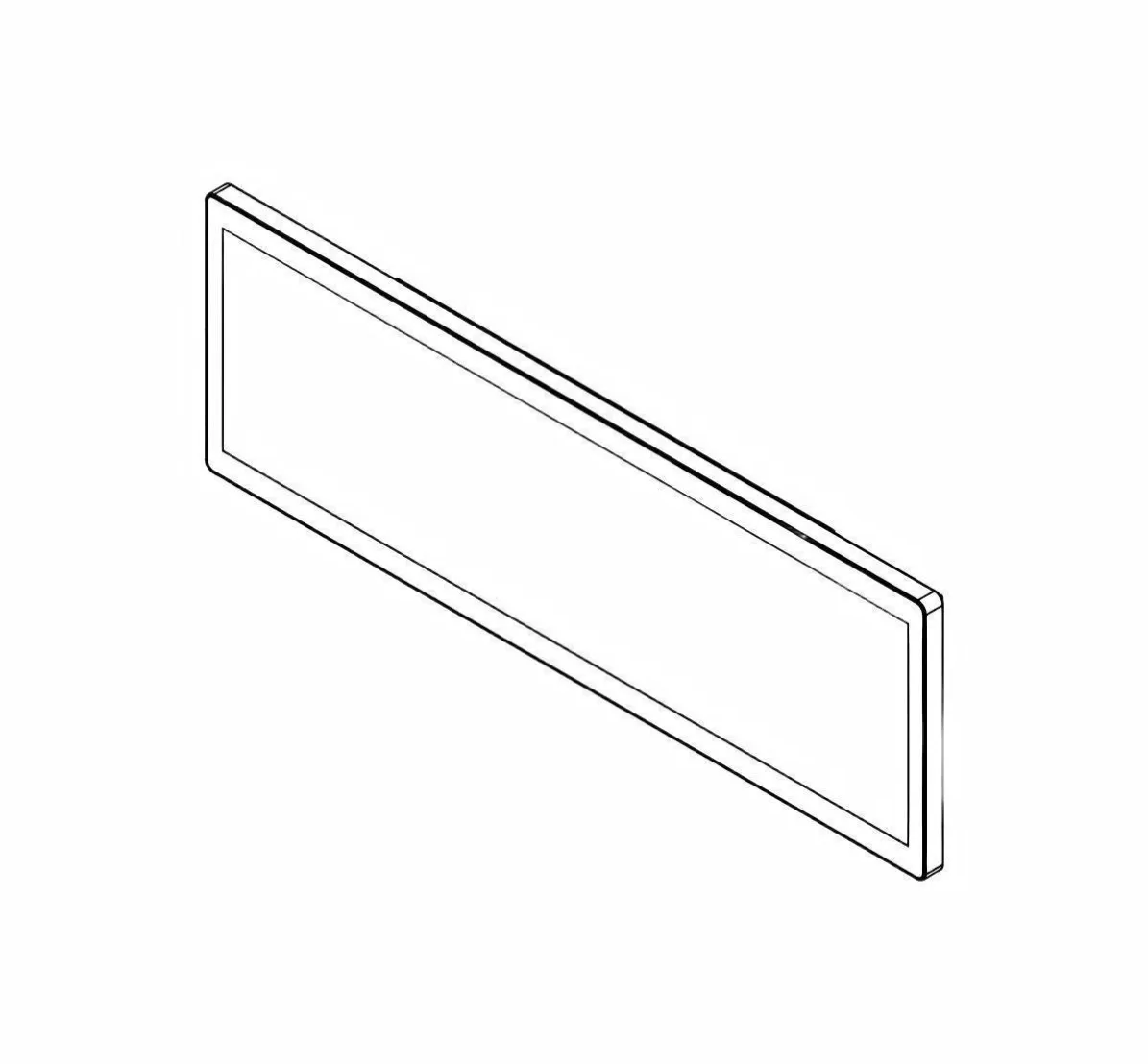
Featured Smart Display Hardware: Explore our flagship 49.5" Ultra-Wide Stretched Bar LCD Monitor with PCAP Touch, 29" Stretched Bar LCD Touchscreen Display, and 37.5" Stretched Bar LCD Screen for retail merchandising and transit passenger information.