Oct 22, 2026News & Insights
LCD Bar Display Black Screen: Likely Causes and a Safe Diagnostic Path
A black screen does not always mean that the LCD panel has failed. The cause may be power loss, an inactive signal source, an incorrect input, a backlight fault, a control-board problem,...
A black screen does not always mean that the LCD panel has failed. The cause may be power loss, an inactive signal source, an incorrect input, a backlight fault, a control-board problem, or a loose internal connection.
First Identify What “Black” Means
Check whether the power indicator is on and whether the screen shows a faint image under a flashlight. A faint image may indicate that the LCD is producing a picture but the backlight is not operating. A completely inactive unit may point to the power supply, protection circuit, or main board.
External Checks Before Opening the Display
Confirm the outlet and power adapter with appropriate test equipment. Inspect the fuse, cable, connectors, and power switch. Verify that the correct input is selected and connect a known-good player using a short, tested cable. Make sure the source is outputting a resolution and refresh rate supported by the display.
Common Internal Fault Areas
If external checks do not restore the image, possible causes include a failed LED driver, damaged backlight string, control-board fault, disconnected panel cable, or power rail problem. Heat, moisture, vibration, and voltage spikes can contribute to these failures.
A Step-by-Step Resolution Approach
Disconnect the display safely, document the symptoms, and isolate the power source, player, cable, and screen one at a time. Do not bypass fuses or protection circuits. Internal power sections may retain hazardous voltage even after shutdown, so board-level testing should be carried out by trained service personnel.
Once the fault is repaired, confirm stable operation over a suitable test period and inspect temperature, ventilation, and input settings. Correcting the underlying power or thermal condition helps prevent the black-screen problem from returning.
Determine Whether Light or Image Is Missing
A black-looking panel can describe two different failures. If the backlight is off, a faint image may still be visible under a flashlight, indicating that pixel data exists but illumination is missing. If the backlight is on and the panel glows dark gray, the problem may be the source, input selection, controller, timing path, or panel data connection.
This distinction narrows the next checks. Confirm power indicators, listen for startup audio if present, test the on-screen menu, and observe whether the backlight flashes briefly during power-on. Avoid repeatedly cycling power when there is an odor, abnormal heat, or audible electrical noise.
Move From External Checks to Internal Diagnosis
Start with outlet power, the external adapter or power lead, input selection, source output, and a known-good signal cable. Then verify whether the display starts without external peripherals attached. Only trained personnel should open the enclosure and measure internal voltages, because exposed power supplies and backlight circuits can retain hazardous energy.
If internal inspection is required, record connector positions and check for loose plugs, damaged wiring, swollen components, or heat discoloration before replacing parts. The related snowy and blurred image guide is more appropriate when the screen produces visible but unstable or distorted content.
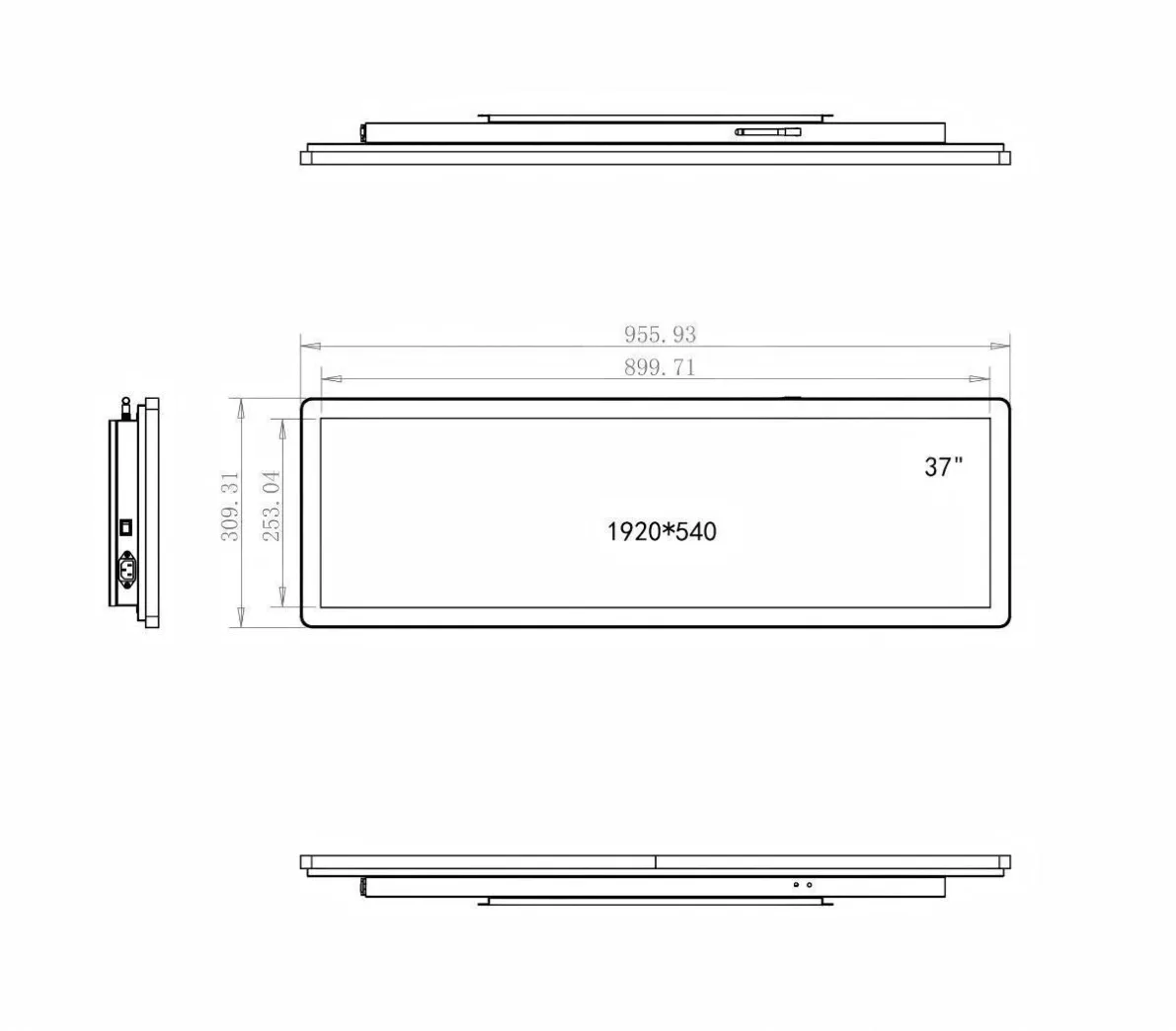
Featured Smart Display Hardware: Explore our flagship 49.5" Ultra-Wide Stretched Bar LCD Monitor with PCAP Touch, 29" Stretched Bar LCD Touchscreen Display, and 37.5" Stretched Bar LCD Screen for retail merchandising and transit passenger information.